IMPORTANTSAFETYINFORP/AT/ON.
READALL INSTRUCTIONSBEFOREUSING.
I WARNING
Read all safety instructions before using the product. Failure to follow these instructions may result in fire, electric
shock, serious injury or death.
ANTI-TIP DEVICE
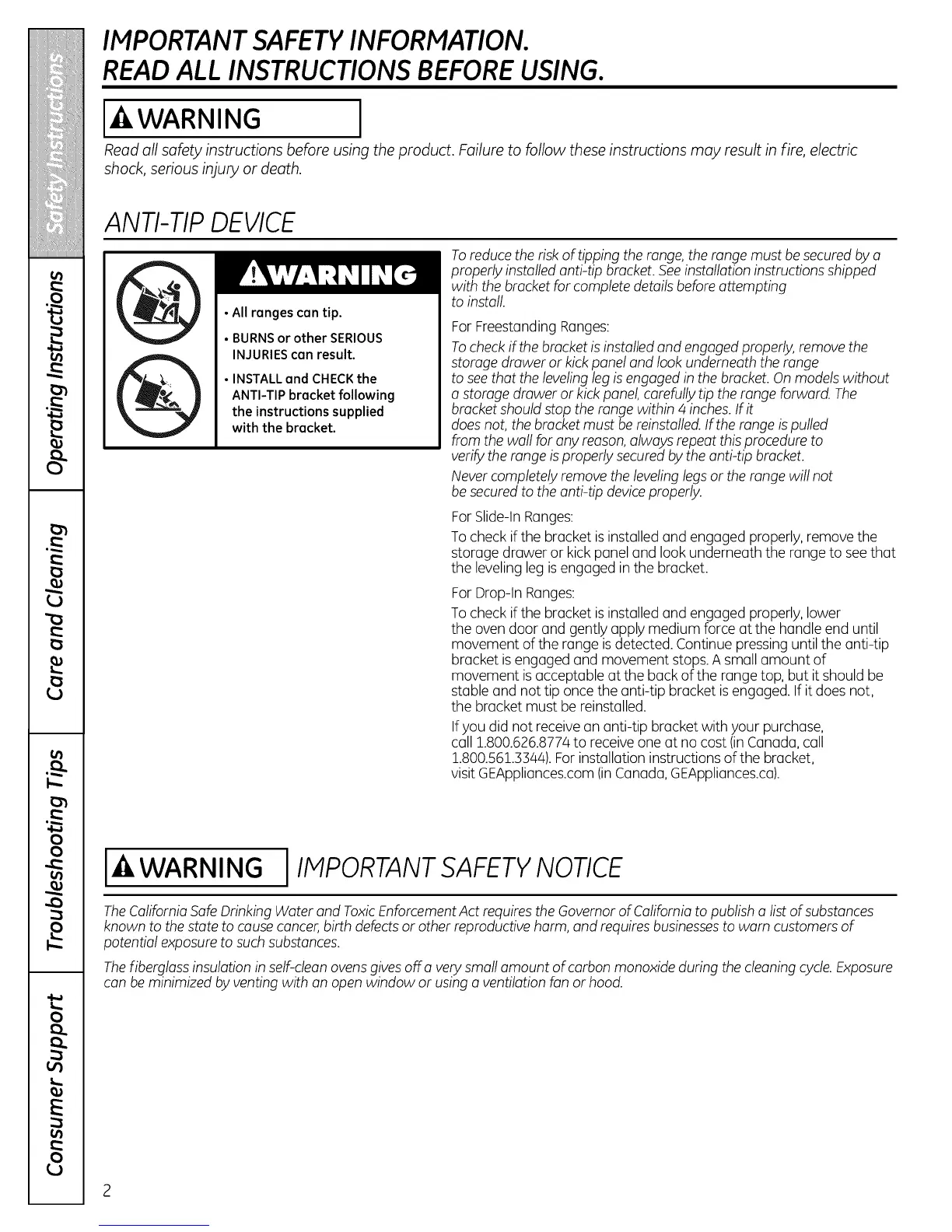
• All ranges can tip.
• BURNS or other SERIOUS
INJURIES can result.
• INSTALL and CHECK the
ANTI-TIP bracket following
the instructions supplied
with the bracket.
Toreducethe risk of tipping the range,the range must be securedby a
properly installed anti-tip bracket. Seeinstallation instructionsshipped
with the bracketfor complete details beforeattempting
to install.
For FreestandingRanges:
Tocheckif the bracketis installed and engaged properly, remove the
storage drawer or kickpanel and lookunderneath the range
to seethat the levelingleg isengaged in the bracket. Onmodels without
a storage drawer or kickpanel,carefullytip the range forward. The
bracketshouldstop the range within 4 inches.If it
doesnot, the bracketmust bereinstalled. If therange ispulled
from the wall for any reason,always repeat this procedure to
verifythe range isproperly securedbythe anti-tip bracket.
Nevercompletely remove the levelinglegs or therange will not
besecured to the anti-tip deviceproperly.
ForSlide-InRanges:
To check ifthe bracket isinstalled and engaged properly, remove the
storage drawer or kick panel and look underneath the range to seethat
the leveling leg isengaged in the bracket.
For Drop-In Ranges:
To check ifthe bracket isinstalled and engaged properly, lower
the oven door and gently apply medium force at the handle end until
movement ofthe range isdetected. Continue pressinguntil the anti-tip
bracket isengaged and movement stops.A small amount of
movement isacceptable at the back of the range top, but itshould be
stable and not tip oncethe anti-tip bracket isengaged. If it does not,
the bracket must be reinstalled.
Ifyou did not receive an anti-tip bracket with your purchase,
call 1.800.626.877/4to receiveone at no cost (inCanada, call
1.800.561.33/44).Forinstallation instructions of the bracket,
visit GEAppliances.com(inCanada, GEAppliances.ca).
WARNING I IMPORTANT SAFETY NOTICE
TheCaliforniaSafe Drinking Water and ToxicEnforcementAct requirestheGovernorof Californiato publish a list of substances
known to thestate to cause cancer,birth defectsor otherreproductive harm, and requires businessesto warn customersof
potential exposureto such substances.
Thefiberglassinsulation in self-cleanovensgives off a verysmall amount of carbon monoxide during the cleaning cycle.Exposure
can beminimized by venting with an open window or using a ventilation fan or hood.



 To Next Page