Other Features Your Model May Have
i ¸
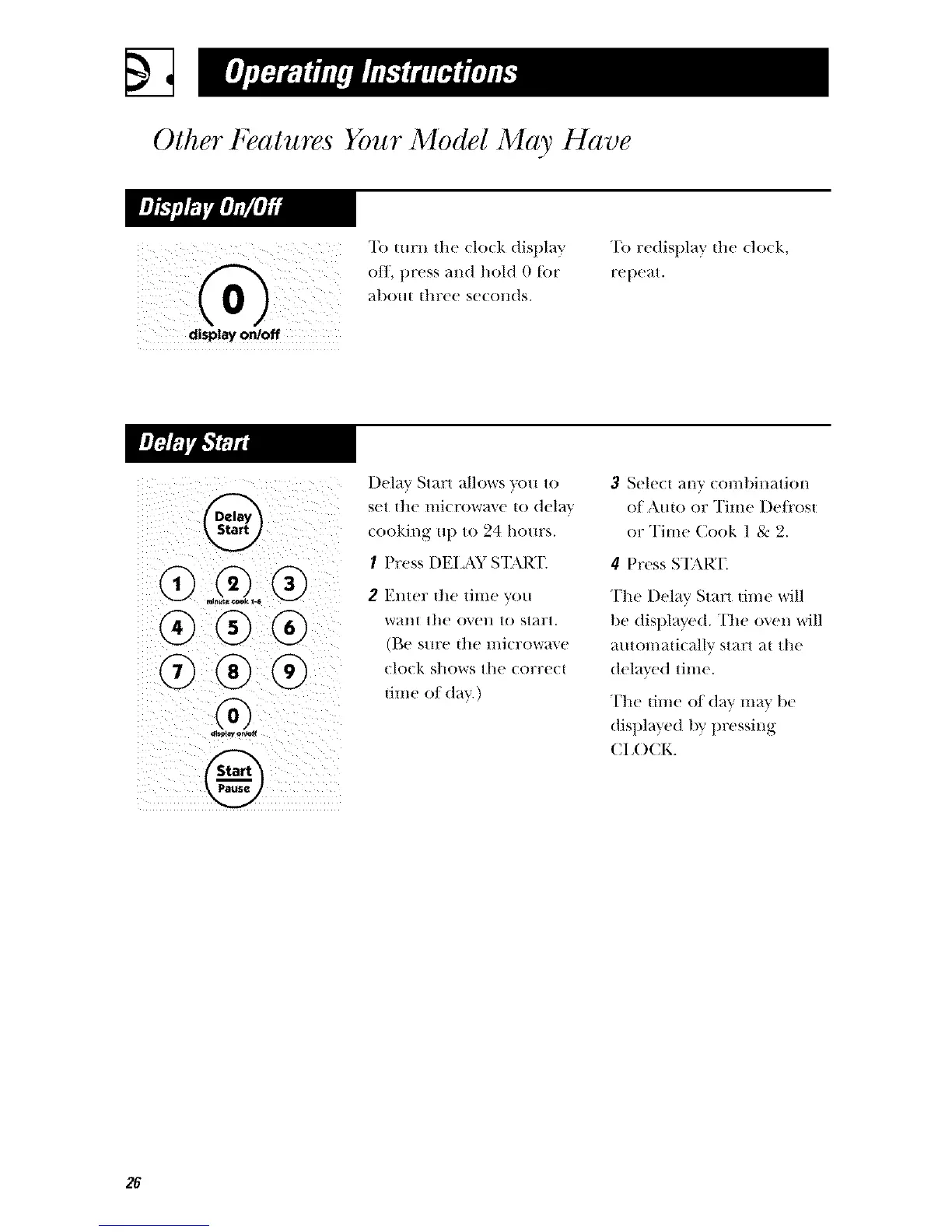
display on/off
To turn the (lo(k display
off, press and hold 0 tor
abO[l{ |hl?ee se(ollds.
"[b redisplay the do(k,
repe_tt.
®
Delay Start allows _x)u to
set |lie lilicrow_e 1o delta'
cooking up to 24 hours.
I Press DEI._\Y S%\RT
2 Enter the time you
want the o',en to start.
(Be sure file microwave
clock shows the correct
tilIle Of d_t_r.)
3 Select any comt)iHation
of Auto or Time I)e/i'os|
or Time Cook 1 8-: 2.
4 Press S'EM_I'.
The Delay Start time will
be displayed. The oven will
automati(Mlv start _t the
(tela_ ed time.
The time of day mm be
(tispl_l}ed by pressing
CI ()CK.
26




 To Next Page