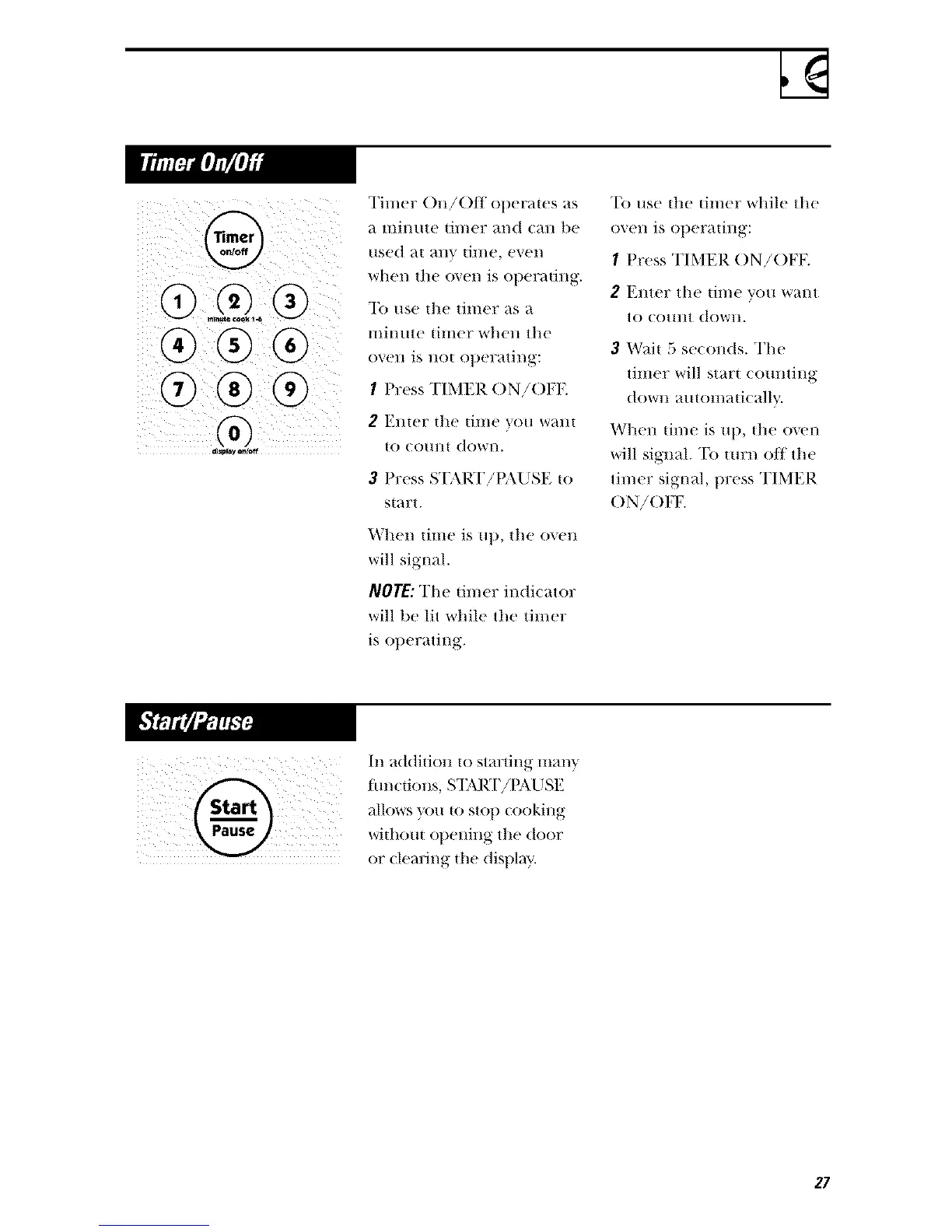
G
®®®
®®®
Tinier ()n!Off operaws as
;_ lIli///Ite {il//er al/(t C_lll be
used at ally tin/e, even
when tile o_+en is ot)erating.
To use tile timer as a
lllinute timer when tile
OVell is 110{ OlleYatJl/_:
I Press TIMER ()N!()FF.
2 E1Her tile {ilIle VOll Wall{
to court{ down.
3 Press START!t{\USE {o
s{art.
_'tlel/ time is Ull, tile ovetl
will signal.
NO]E: The tinier indi€ator
will be lit while tile timer
is ollerating.
To use tile tinier while tile
oven is operating:
I Press TIMER ()N/()FK
2 Enter tile time you want
tO CO/lilt (towII.
3 Wai{ 5 set onds. The
tilner will star{ (Omlting
dOWll auton/mi( ally.
Whell {ime is Ul), {lie oven
will signal. To turn off tile
timer signal, press TIMER
()N!()FF.
In addition to starting Illan x,
hmcfions, S'I;\RT!t_\USE
allov, s you to stop looking
wi{hom ot)ening the door
or fleming ill( dl @av.
27




 To Next Page