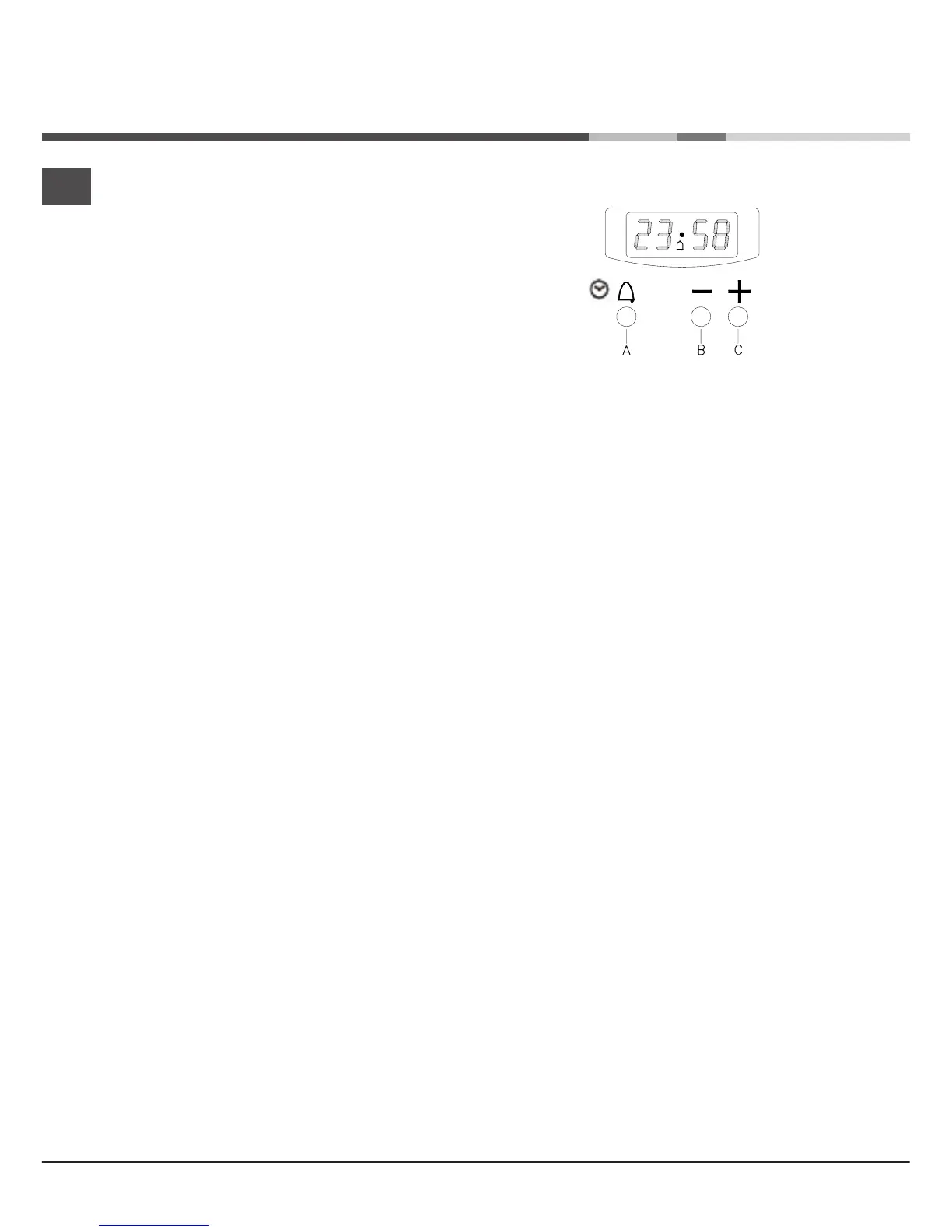
ELECTRONIC CLOCK
The electronic clock has more than one function:
- Displaying the time of day
- Switching off the oven with the timer
Setting the time of day
- Press button A
- Set the right time using button B o C. The function is activated
7 seconds after your last action.
Setting summer and winter time
- Keep button A pressed for 4 seconds
- The display of the hours starts flashing
- Set the right hour using button B or C
Setting the timer
- To activate the timer, press button C again and keep it pressed until the right
baking time is reached; the maximum is 10 hours.
- The countdown time is visible in the display. The bell simbol (A) lights up.
- Press button A and the current time will be displayed for 6 seconds.
Deactivating the ti
mer
- Keep button B pressed
- The timer counts backwards and stops automatically at 0
Sound signal
- After the baking time has ended and the oven has been switched off, the clock
gives a sound signal for 7 minutes.
- Switch the sound signal off using button A.
Adjusting the signal
If no function has been activated, you can adjust the signal using button B.
you can choose from 3 different signals.
GB
14



 To Next Page