HotwireUnderTileHeatingwww.hotwireheating.com.au1300797060
HotwireThermostat
TroubleShootingGuide
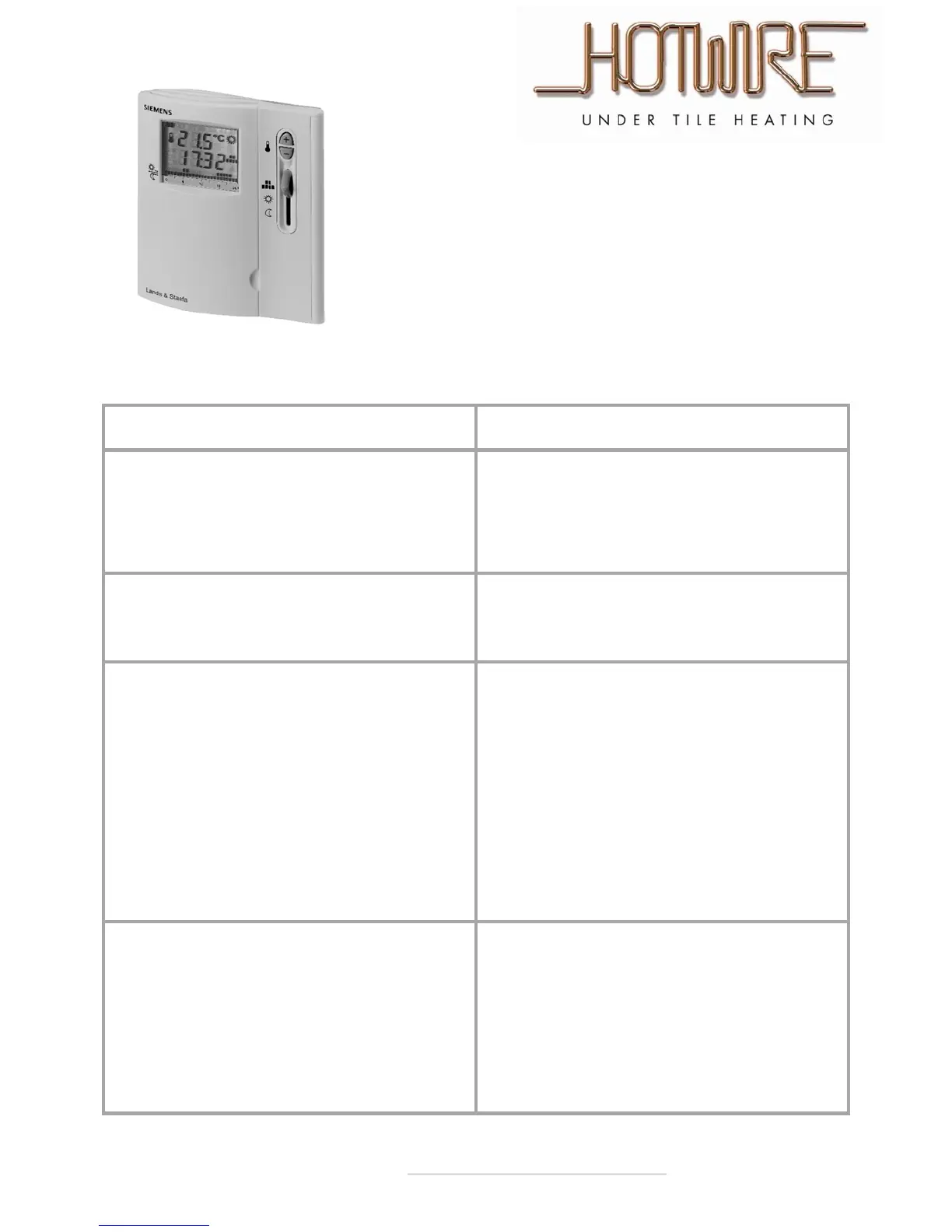
Model SiemensRDE20.1
Sympton Solution
Myscreeniscompletelyblank.
Yourbatteriesmaybeflat.
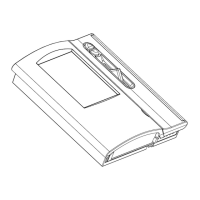
Putyourfingerinthebottomlefthandcornerofthe
thermostat(attheback)youwillfeelasmalllip.Pushthis
downandatraycontaining2xAAAbatterieswillslideout.
Thereisaflashingbatterylight,howdoIchangethe
batteries?
Yourbatteriesmaybeflat.
Putyourfingerinthebottomlefthandcornerofthe
thermostat(attheback)youwillfeelasmalllip.Pushthis
downandatraycontaining2xAAAbatterieswillslide
out
Myfloorisonallthetime.
Thethermostatmayneedresetting.
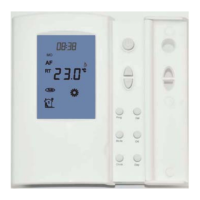
Pressandholdthe“Clock”button.
Whilstholdingthe“Clock”buttonpressandholdthe“Up”
and“Down”arrows.
Holdall3downfor3seconds.Allthelightsonthescreenwill
flash.Theunitisnow
reset.Youwillhavelostallyour
programmingbuttheproblemshouldbesolved.
Note:Youwillnoticethetemperatureonthescreenclimbing
quiterapidly.Thisisduethethermostatreadingthefloor
temperature.Itshouldfalloverthenexthourorso.
Myfloorisoffallthetime.
Thethermostatmayneedresetting.
Pressandholdthe“Clock”button.
Whilstholdingthe“Clock”buttonpressandholdthe“Up”
and“Down”arrows.
Holdall3downfor3seconds.Allthelightsonthescreenwill
flash.Theunitisnowreset.Youwillhavelostallyour
programmingbuttheproblemshouldbesolved.


 To Previous Page