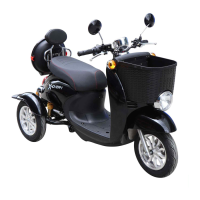
RIDING YOUR RIDER
After reviewing the pre-ride checklist, follow the steps below to
begin riding your Rider.
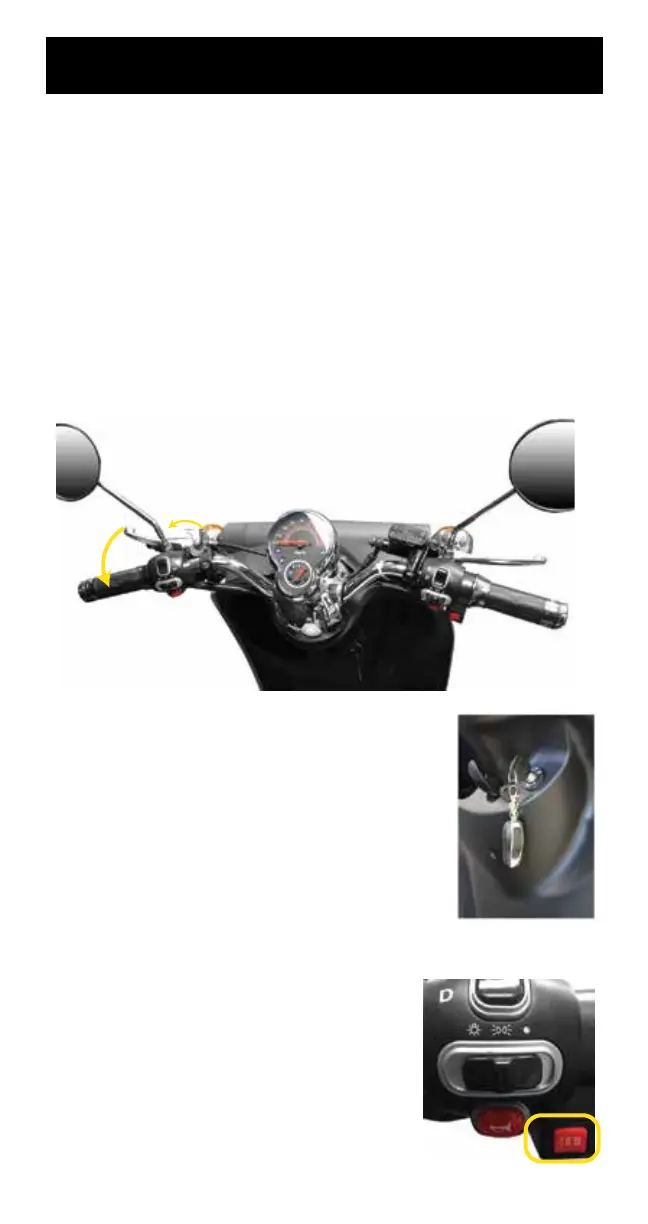
1. Ensure parking brake is o. The Parking Brake is located on the
left-hand brake. The tab holds tension in the brake lines to keep
the unit stationary when not in use.
Activate your parking brake by pressing this tab towards the
brake handle while squeezing the left-hand brake. The tab will
click inwards.
To deactivate your parking brake, squeeze the left-hand brake
to release the Parking Brake tab.
2. Insert the key into the ignition and
turn clockwise to the “ON” position to
turn on your Rider.
3. The Meter Display will turn on.
4. Set your max speed by the three-position speed- switch.
“I” - max speed: 5 mph.
“II” - max speed: 10 mph.
“III” - max speed: 15 mph.
21




 To Next Page