1–14 Maintenance and Service Guide
Product Description
1. 3 D e s i g n O ve r v i ew
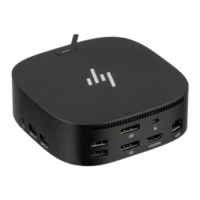
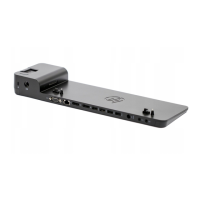
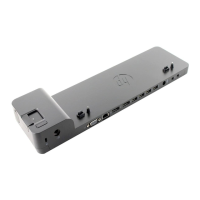
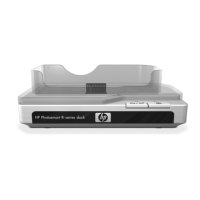
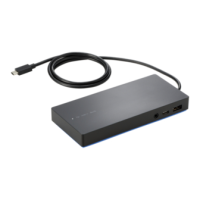
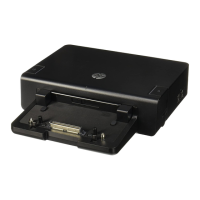
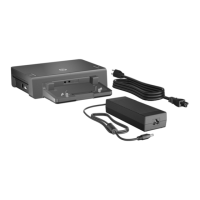
This section presents a design overview of key parts and features
of the docking station. Refer to Chapter 3, “Illustrated Parts
Catalog,” to identify replacement parts, and Chapter 5, “Removal
and Replacement Procedures,” for disassembly steps.
The docking station provides the following device connections:
■ Audio-in (microphone)
■ Composite video
■ DVI
■ ExpressCard
■ External monitor
■ Keyboard
■ Monitor stand
■ MultiBay II
■ Power
■ RJ-11 (modem)
■ RJ-45 (network)
■ S-Video-out
■ Security cable
■ Serial
■ USB
Ä
CAUTION: To properly ventilate the docking station, allow at least a
7.6-cm (3-inch) clearance on the left and right sides of the unit.
The docking station uses an electric fan for ventilation. The fan
is controlled by a temperature sensor and is designed to turn on
automatically when high temperature conditions exist. These
conditions are affected by high external temperatures, system
power consumption, power management/battery conservation
configurations, battery fast charging, and software.


 To Next Page
 Loading...