5–8 Maintenance and Service Guide
Removal and Replacement Procedures
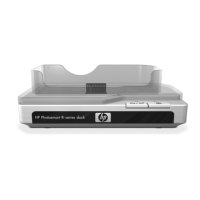
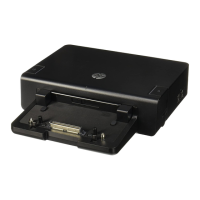
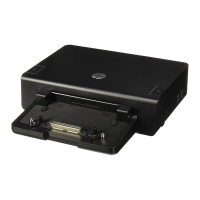
5.5 Top Cover
1. Prepare the docking station for disassembly (refer to
Section 5.3).
2. Position the docking station with the rear panel toward you.
3. Remove the three Torx8 T8M2.5×5.0 screws 1 that secure
the top cover to the docking station.
4. Remove the top cover 2.
Removing the Top Cover
Reverse the above procedure to install the top cover.
Top Cover Spare Part Number Information
Top cover 435588-001


 To Next Page
 Loading...