5–10 Maintenance and Service Guide
Removal and Replacement Procedures
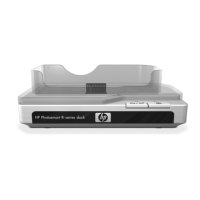
3. Disconnect the docking LED board cable 1 from the docking
LED board.
4. Remove the two Phillips PM2.5×7.0 screws 2 that secure the
docking LED board and lens to the docking station.
5. Remove the docking LED lens 3 and docking LED board 4.
✎
The docking LED lens is available in the Plastics Kit, spare
part number 435597-001.
Removing the Docking LED Board and Lens
Reverse the above procedure to install the docking LED board.


 To Next Page
 Loading...