EN
Internal assemblies
115
To reinstall
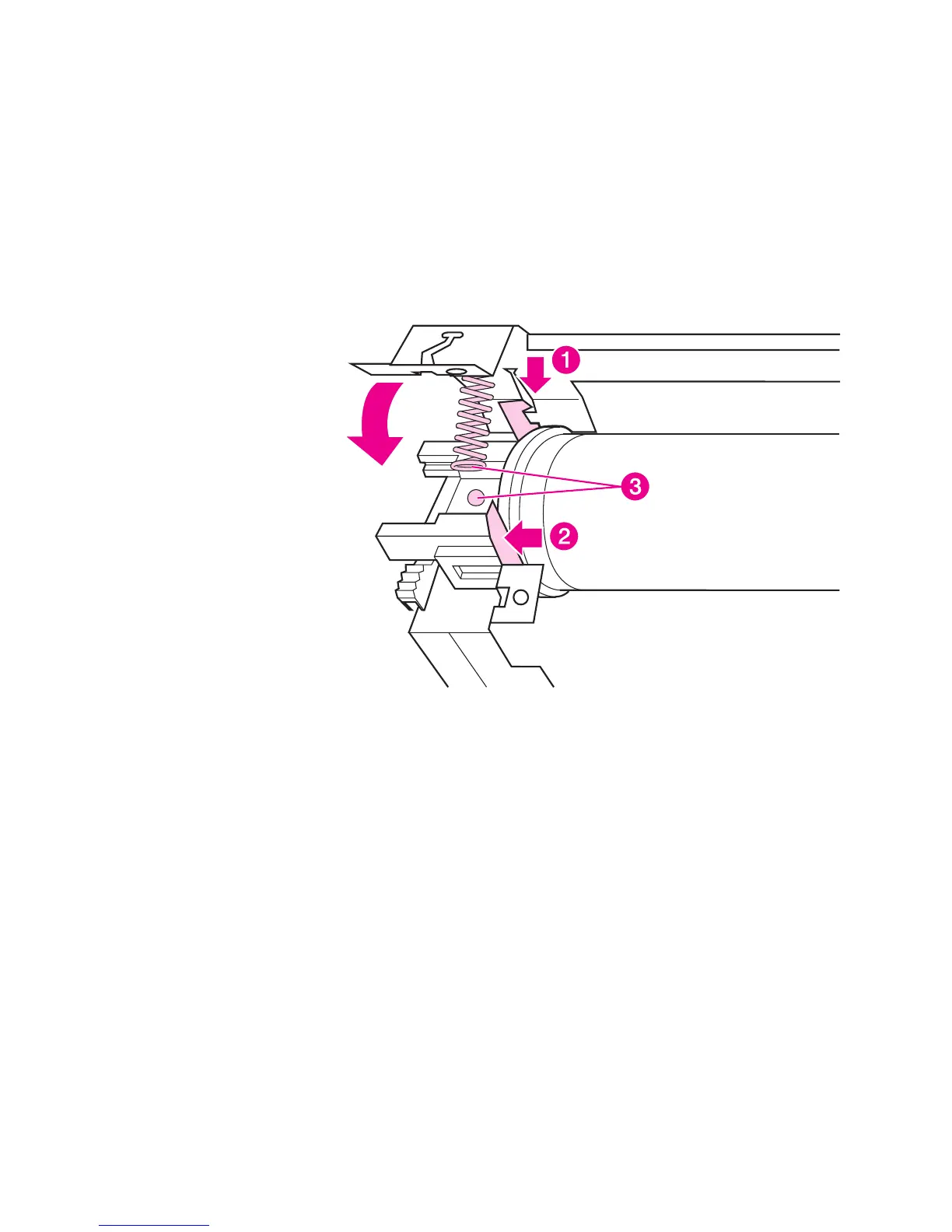
The fuser pressure plate is held in place by four locking mechanisms
in each corner. Place the rear slits in the plate over the rear brackets
that hold the fusing assembly (callout 1). Lower the plate over the
retaining clips, pressing on both sides of the fuser pressure plate
(callout 2). It is important that the spring is placed over the positioning
pin (callout 3) because inadequate pressure will cause fusing
problems. Replace the screws.
Figure 43. Fuser pressure plate replacement



 To Next Page