126 Removal and replacement
EN
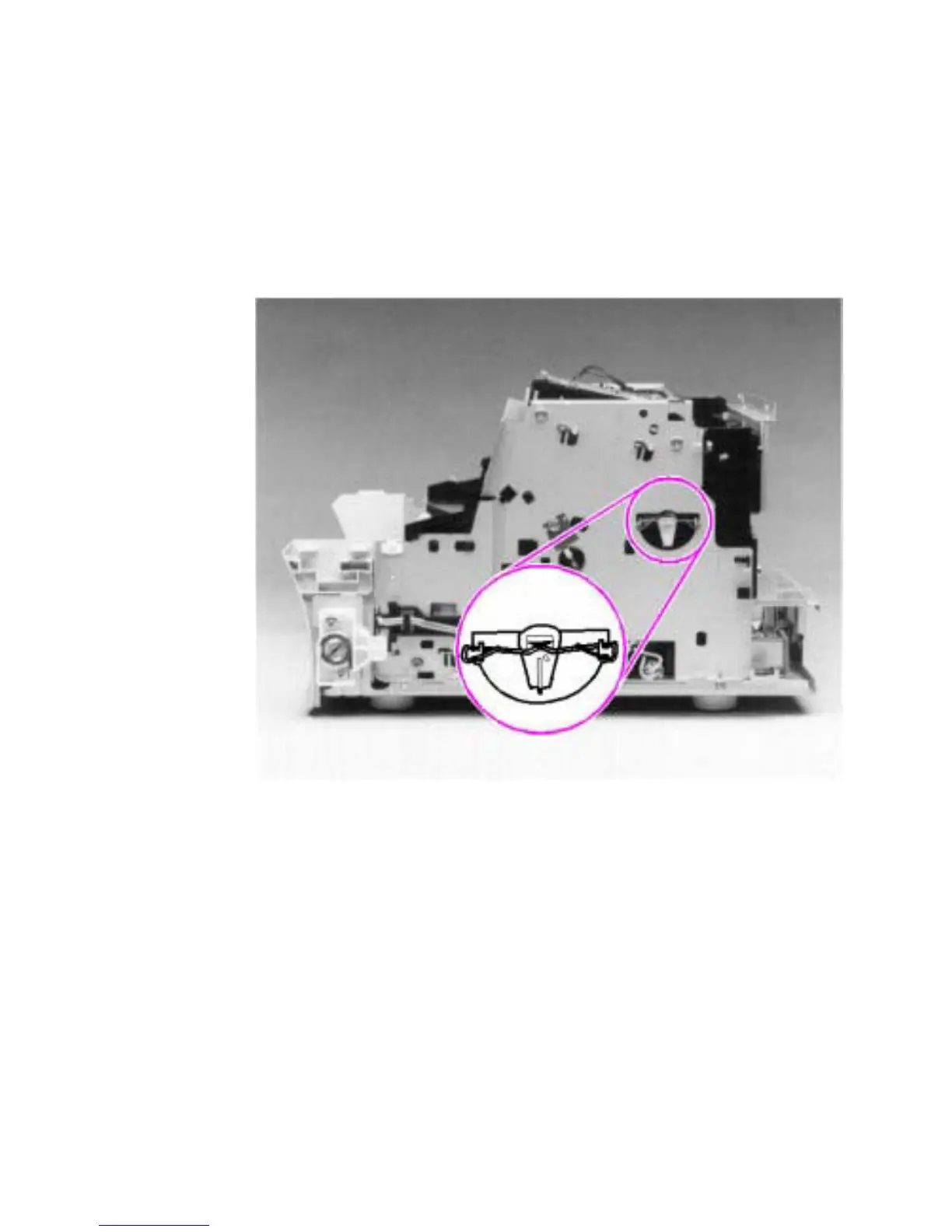
Pickup roller assembly
1 Remove all covers, the RFI shield, the printer door, the LIU board,
the formatter board, the metal side plate, and the paper pickup
gear.
2 Remove the pickup roller grounding clip on the right of the printer
by lifting each end of the clip up and over the two metal guides
and sliding the clip off.
Figure 54. Pickup roller assembly removal (1 of 2)



 To Next Page