EN
Internal assemblies
127
3
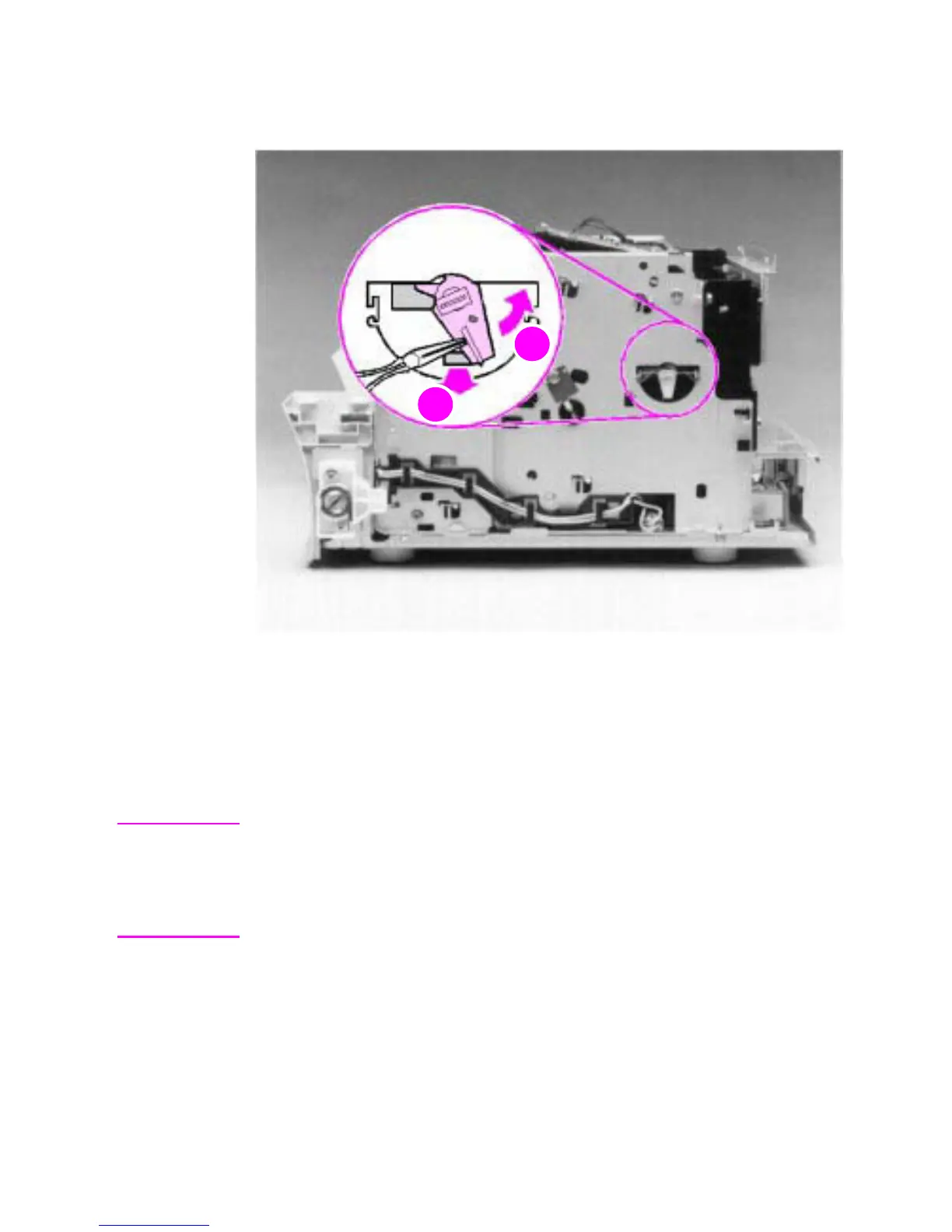
Using needlenose pliers, pull the bottom of the bushing out
(callout 1), then turn it counterclockwise (callout 2) to release it.
Figure 55. Pickup roller assembly removal (2 of 2)
4
Lift the bushing out.
5
From inside the front of the printer, slide the right side of the
pickup roller assembly forward, then lift the left side out.
Note
If you replace the pickup roller assembly, also replace the separation
pad and subpads (order a separation pad and subpads under a single
order number). See the removal procedures for the separation pad and
subpads later in this chapter and also see Figure 96, “Paper pickup
assembly,” in Chapter 7.



 To Next Page