128 Removal and replacement
EN
To reinstall
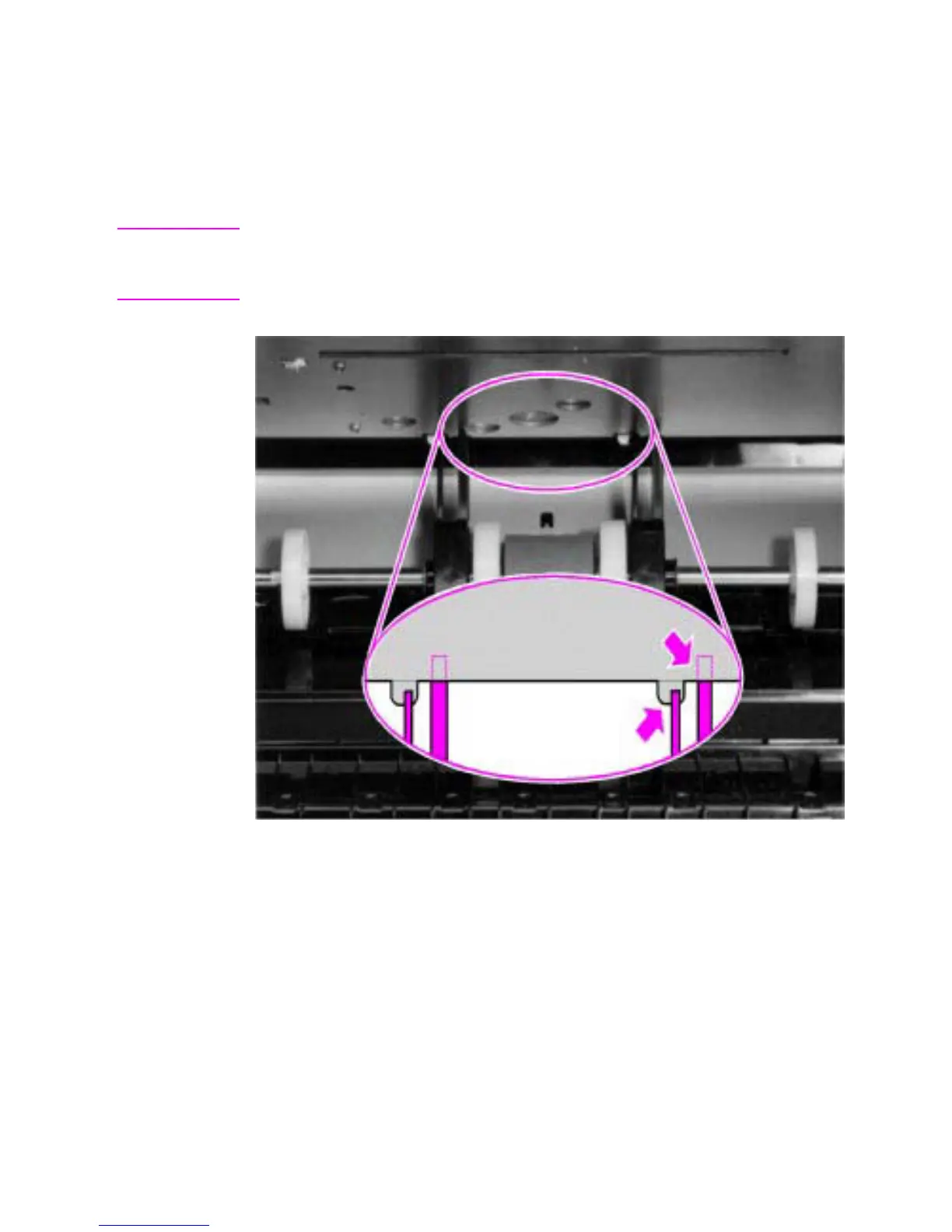
After placing the pickup roller shaft through on the left side, line up the
idler roller tabs while repositioning the right side. Rock the shaft back
and forth until the pickup roller and the idler roller tabs are correctly
reinstalled.
Note It is important that the pickup roller is placed back in with the two idler
roller tabs up, so that they fit into the underside of the metal chassis
behind the laser/scanner assembly.
Figure 56. Paper pickup roller assembly replacement



 To Next Page