EN
Internal assemblies
129
Paper feed frame
1
Remove all covers, the RFI shield, the printer door, the LIU board,
the formatter board, the metal side plate, the paper pickup gear,
and the pickup roller assembly.
2
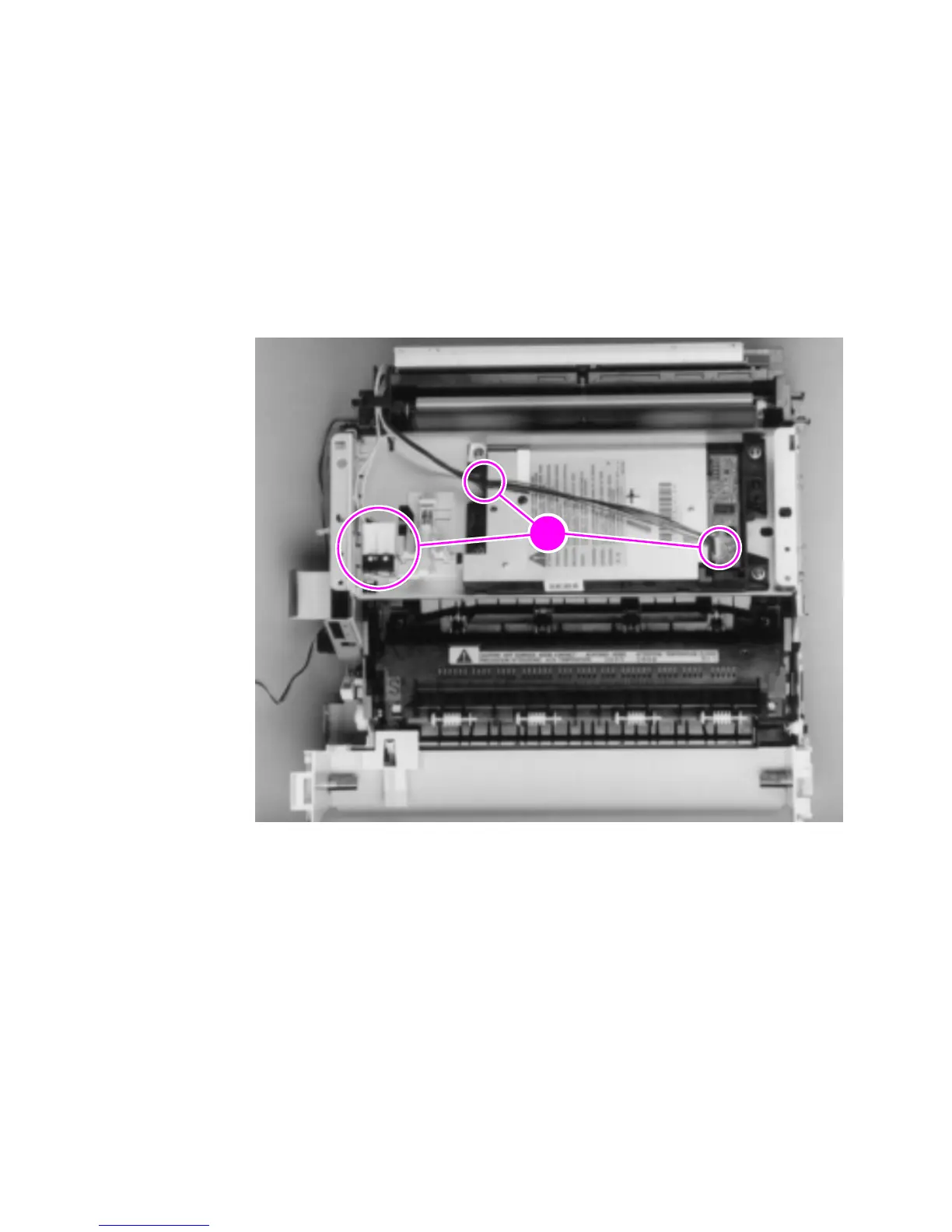
Disconnect the following:
• Solenoid from the ECU at J204 (see Figure 53, callout 1).
• Two connectors from the laser/scanner and the connector from
SW101 (callout 1).
Figure 57. Paper feed frame removal (1 of 3)



 To Next Page