EN
Internal assemblies
131
5
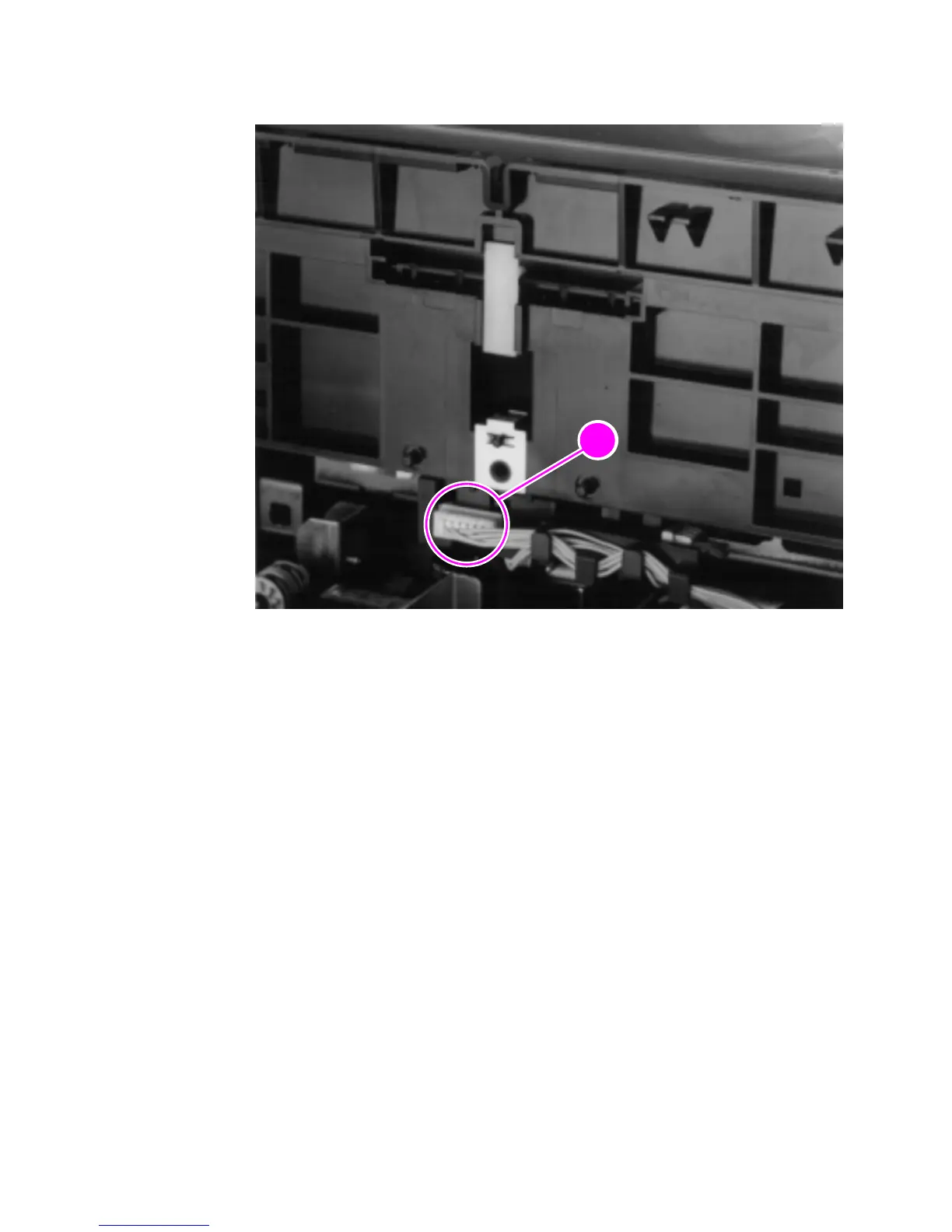
Release the sensor unit connector (callout 1).
Figure 59. Paper feed frame removal (3 of 3)
6
Verify that all cables are clear of the frame and pull the frame
straight back to remove it.
To reinstall
The paper feed frame may be easier to reinstall if you place the
printer on its front, so that you can apply pressure while putting the
screws back in place.



 To Next Page