Model 3314A
Adjustments
-r:-
c.
>
o
M
I
c.
6.
L
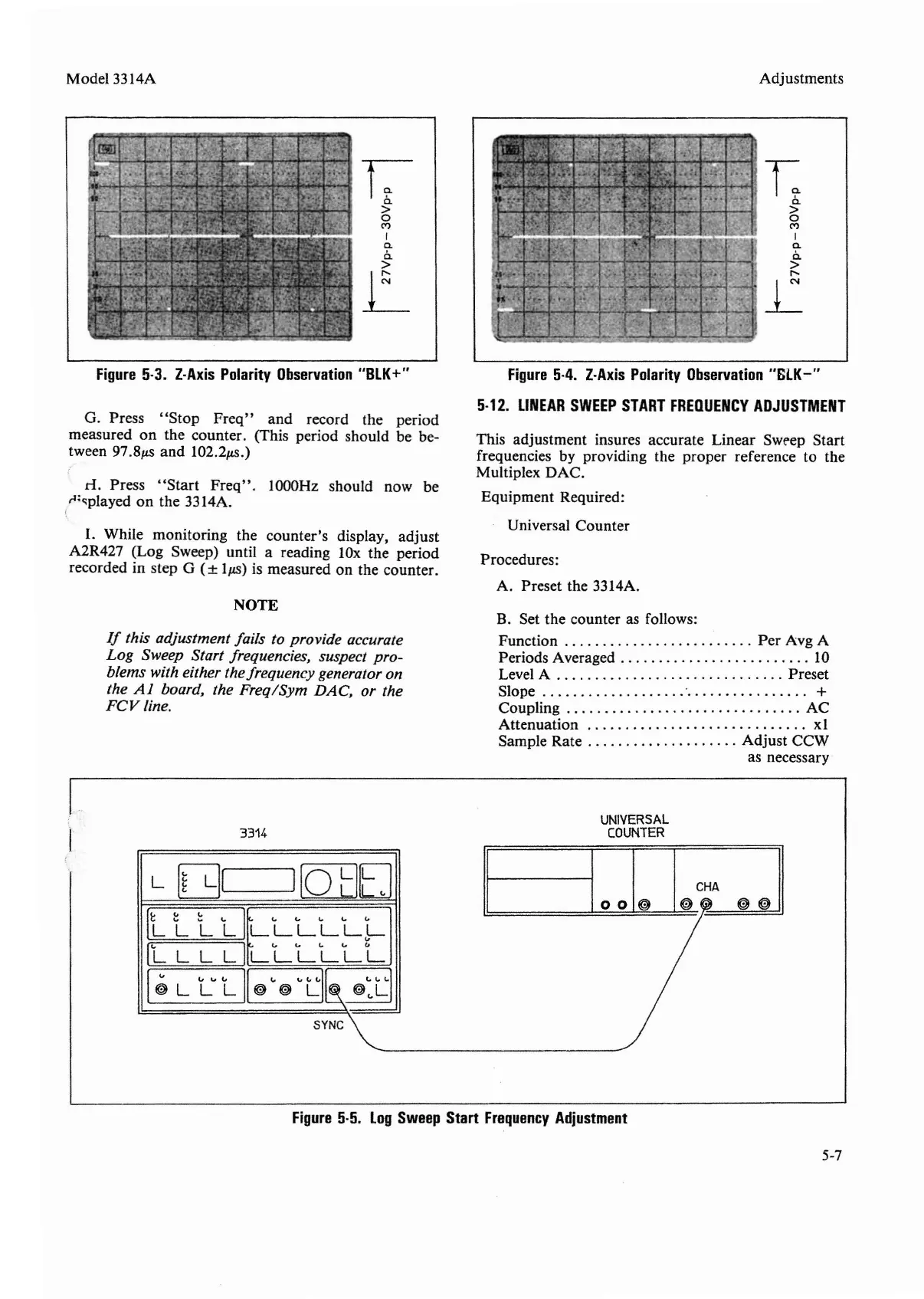
Figure
5-3.
Z-Axis
Polarity
Observation
"BLK+"
G. Press
"Stop
Freq"
and record the period
measured on the counter. (This period should be be-
tween
97.8p.s and I02.2p.s.)
d.
Press
"Start
Freq"
. I
OOOHz
should now be
r:"played on the 3314A.
I.
While monitoring the counter's display, adjust
A2R427 (Log Sweep) until a reading lOx the period
recorded in step G
(±
Ip.S)
is measured on the counter.
NOTE
If
this adjustment fails to provide accurate
Log
Sweep Start frequencies, suspect pro-
blems with either the frequency generator on
the
Al
board, the Freq/Sym
DAC,
or the
FCV
line.
3314
Figure
5-4.
Z-Axis
Polarity
Observation
"GLK-"
5-12.
LINEAR
SWEEP
START
FREOUENCY
ADJUSTMENT
This adjustment insures accurate Linear Sweep Start
frequencies by providing the proper reference to the
Multiplex DAC.
Equipment Required:
Universal Counter
Procedures:
A. Preset the 3314A.
B. Set the counter as follows:
Function . . . . . . . . . . . . . . . . . . . . . . . . .
Per
Avg A
Periods Averaged . . . . . . . . . . . . . . . . . . . . . . . . . 10
Level A Preset
Slope +
Coupling AC
Attenuation
xl
Sample Rate Adjust CCW
as necessary
UNIVERSAL
COUNTER
L
I~
L!I
IfotlE]
II
[Ile:
~J
IL
LLII
(,. ....
c...
c...
("
LLLLLL
"
IL
L L
LI
("
....
(,. .... "
LLLLLL
!"
"
""
II
~
"HII~
H
~
~
L L
L~
~
L
~~L
SYNC~
Figure
5-5.
Log
Sweep
Start
Frequency
Adjustment
5-7


 To Next Page