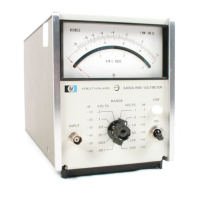
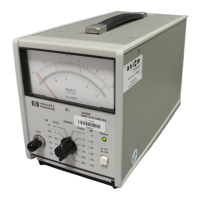
Model 3455A
Appendix A
APPENDIX A
A-1.
INTRODUCTION.
A-2. The
following section of this manual gives some remote programming
(HP-IB) examples for
the
3455A. These examples are
given
in the HP Basic (-hp-
Model 9830A/B Controller
),
HPL (-hp-
Model 982SA Controller), and Enhanced
Basic
(-hp-
Models 983SA/B and 984SA/B) Controller)
languages.
A-3. For
effective program
writing,
it is
advisable
to
write
a good
algorithm first. Then
write
the
345SA
program using the HP-IB information in Section III of
this manual and the appropriate con-
troller
manual. Most -hp- controller manuals
have
a summary of the
HP-IB messages (usually in the
HP-IB
section) in a tabular form. These messages
are written
in
the
respective
controller languages
and are given as sample HP-IB
operations. This information and the
following
program
examples
can be
very helpful when you start
writing
programs for the 34SSA.
A-4.
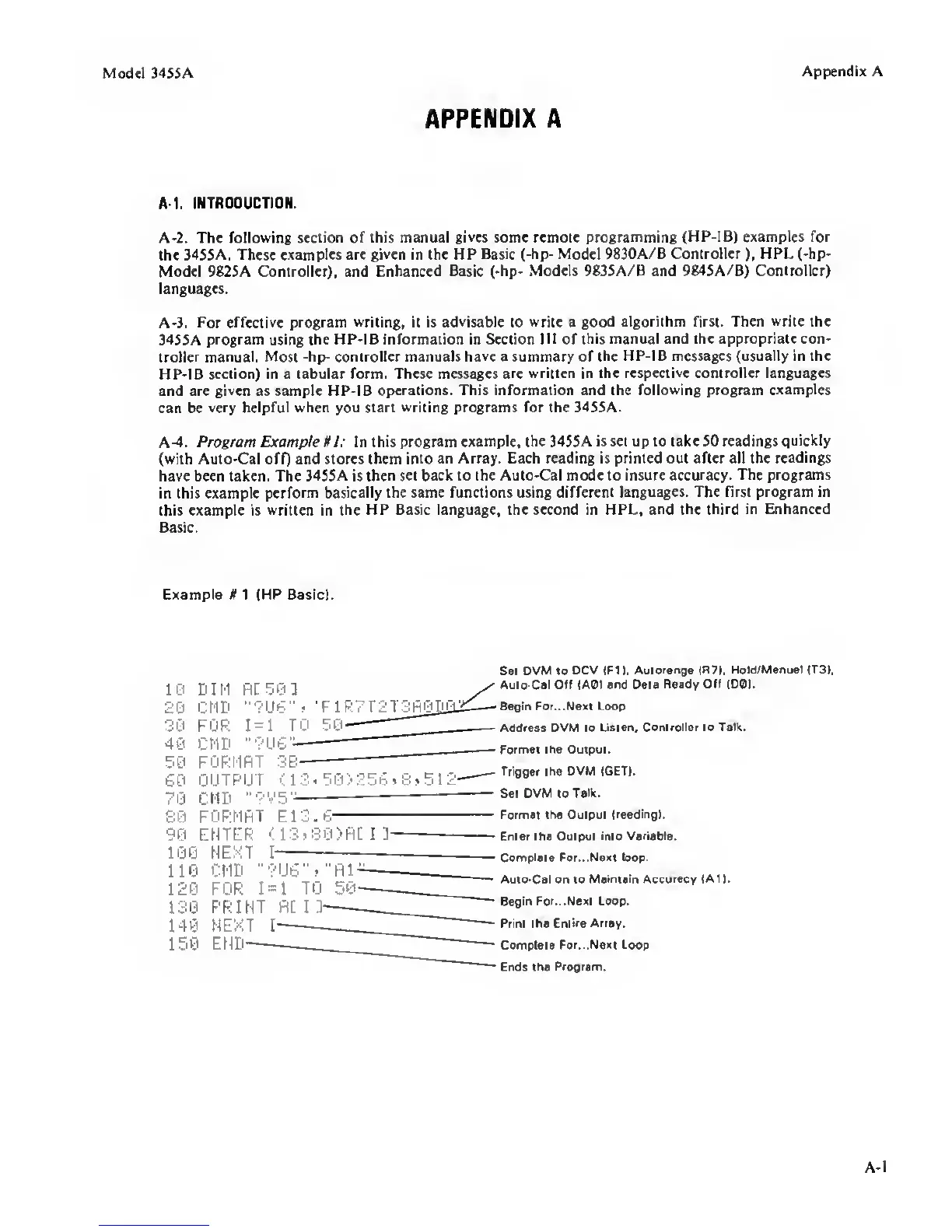
Program Example 1 1: In this
program example, the 345SA is set up to take SO readings
quickly
(with Auto-Cal ofQ and stores them into
an Array. Each reading is printed out after all the
readings
have been taken. The
34SSA
is
then set back to the Auto-Cal mode to insure accuracy.
The programs
in this example perform
basically the same functions using different
languages. The first program in
this example is
written
in
the HP Basic language, the second in HPL,
and the third in Enhanced
Basic.
Example#! (HP Basic).
10
20
30
40
50
60
70
30
90
100
110
120
130
140
150
DIM
CMD
FOR
CMD
R[ 50 ]
•’?U6"i ’FIR
1=1
TO 50
'•?U6-
3B
FORMRT
OUTPUT <
13.50)256>8»512-
CI1D '•'’V5‘^
FORMRT E13.6
ENTER
<13j80>Rtn-
HEXT I
CMD '•?U6'S"R1-
FOR
1=1
TO
PRINT fill
NEXT I
END
S«t DVM to
OCV (Ft
I,
Autorange
IH7).
Hold/Manual (T3).
Auto-Cat Off lAOl and Data
Ready Off (DO).
Begin For.
..Next
Loop
Address DVM to
Listen, Controller to Talk.
Formal the Output.
Trigger the OVM IG6T).
Set OVM to
Talk.
Format the Output
Ireadingl.
—
Enter the Output
into Variable.
—
Complete For.
..Next loop.
•
Auto-Cal on to
Maintain Accuracy (All.
Begin For. ..Next Loop.
Print the
Entire Array.
Complete
For. ..Next Loop
Ends the
Program.
A-
1


 To Next Page
 Loading...