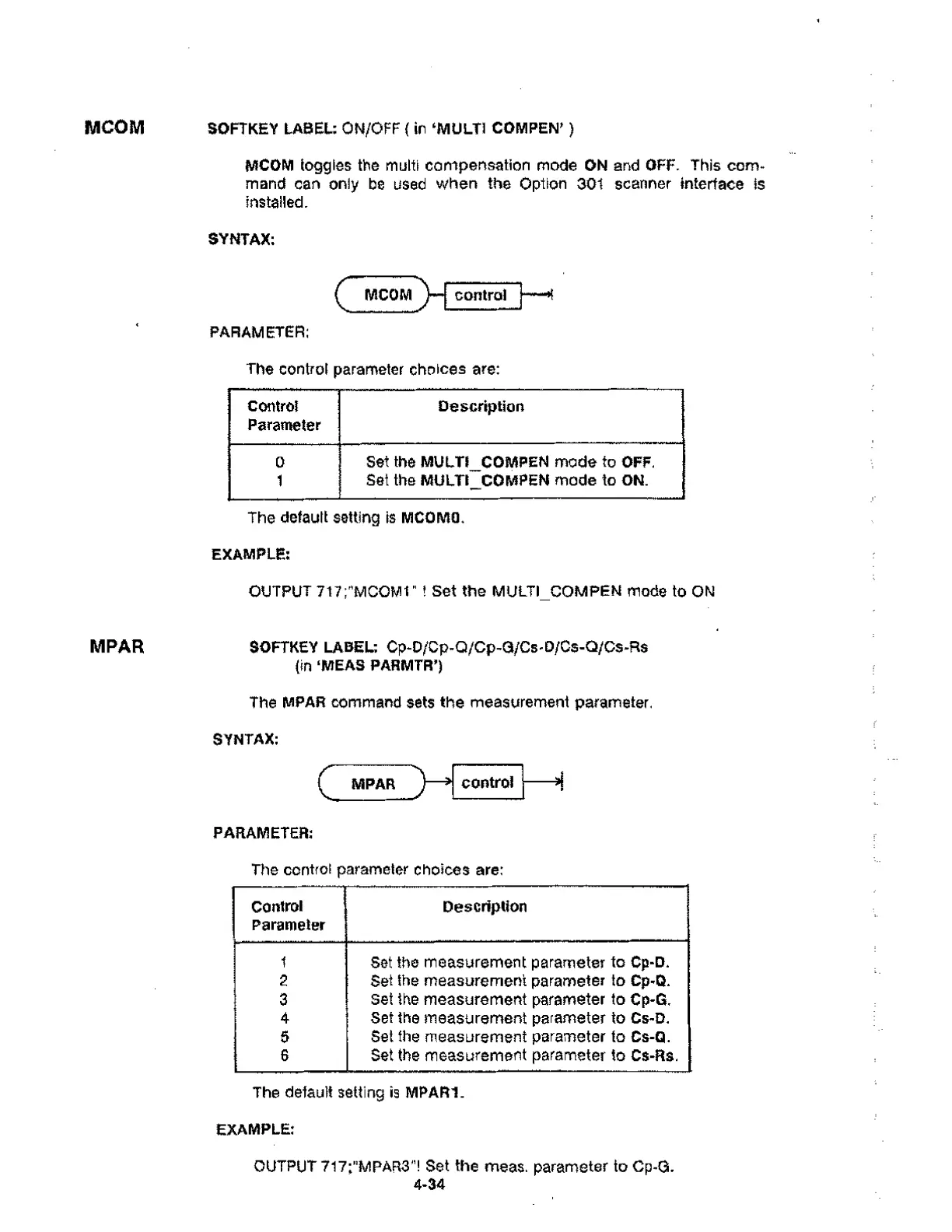
MCOM SOFTKEY LABEL: ON/OFF ( in 'MULTI COMPEN' )
Control
Parameter
Description
1 Set the measurement parameter to Cp-D.
2 Set the measurement parameter to Cp-Q.
3
Set the measurement parameter to Cp-G.
4 Set the measurement parameter to Cs-D.
5 Set the measurement parameter to Cs-Q.
6 Set the measurement parameter to Cs-Rs.
MCOM toggles the multi compensation mode ON and OFF. This com-
mand can only be used when the Option 301 scanner interface is
installed.
SYNTAX:
MCOM)_
PARAMETER:
control 1---$
The control parameter choices are:
Control
Parameter
Description
0
1
Set the MULTI_COMPEN mode to OFF.
Set the MULTI COMPEN mode to ON.
The default setting is MCOMO.
EXAMPLE:
OUTPUT 717;"MOOM1" ! Set the MULTI COMPEN mode to ON
MPAR SOFTKEY LABEL: Cp-D/Op-O/Cp-G/Cs-D/Os-Ci/Cs-Rs
(in ‘MEAS PARMTR')
The MPAR command sets the measurement parameter.
SYNTAX:
MPAR
PARAMETER:
control
The control parameter choices are:
The default setting is MPAR1.
EXAMPLE:
OUTPUT 717;"MPAR3"! Set the meas. parameter to Cp-G.
4-34



 To Next Page