FIND OUT WHY THE FAN IS NOT ROTATING
If the fan is not rotating, the problem may be in the A40 pre-regulator, the A50 DC-DC
Converter or the fan.
1. Check the Line Voltage, Selector Switch Setting, and Fuse
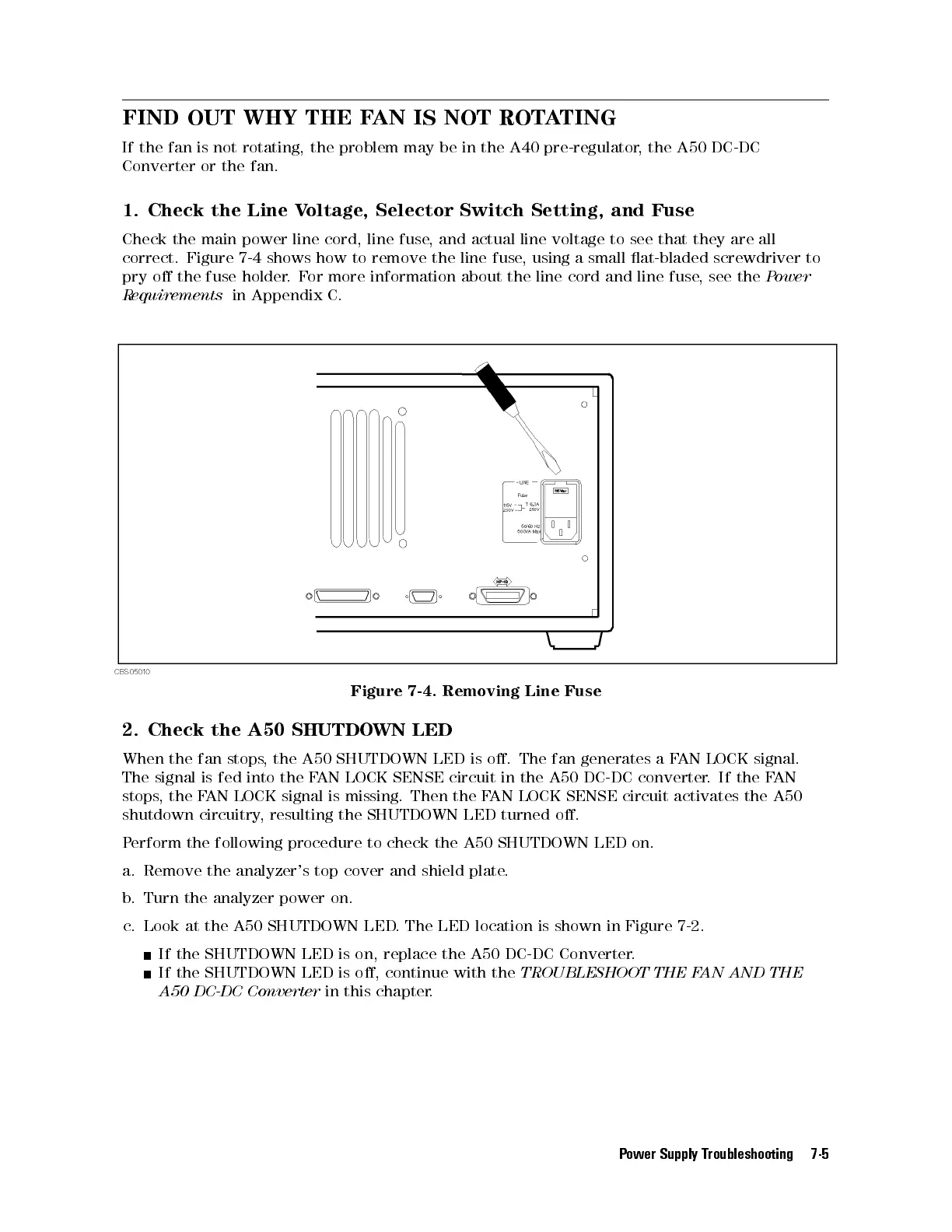
Check the main power line cord, line fuse, and actual line voltage to see that they are all
correct. Figure 7-4 shows how to remove the line fuse, using a small at-bladed screwdriver to
pry o the fuse holder.For more information about the line cord and line fuse, see the
Power
Requirements
in Appendix C.
Figure 7-4. Removing Line Fuse
2. Check the A50 SHUTDOWN LED
When the fan stops, the A50 SHUTDOWN LED is o. The fan generates a FAN LOCK signal.
The signal is fed into the FAN LOCK SENSE circuit in the A50 DC-DC converter. If the FAN
stops, the FAN LOCK signal is missing. Then the FAN LOCK SENSE circuit activates the A50
shutdown circuitry, resulting the SHUTDOWN LED turned o.
Perform the following procedure to check the A50 SHUTDOWN LED on.
a. Remove the analyzer's top cover and shield plate
.
b. Turn the analyzer power on.
c. Look at the A50 SHUTDOWN LED. The LED location is shown in Figure 7-2.
If the SHUTDOWN LED is on, replace the A50 DC-DC Converter.
If the SHUTDOWN LED is o, continue with the
TROUBLESHOOT THE FAN AND THE
A50 DC-DC Converter
in this chapter.
Power Supply Troubleshooting 7-5



 To Next Page