FIRMWARE INSTALLATION
No rmware is installed in new A1 CPU assembly. When you replace a faulty A1 CPU with a
new one, perform the following steps to install the rmware into the A1 CPU.
Ordering the Firmware Diskette
A rmware diskette (3.5 inch) that contains the analyzer's rmware is required for the
rmware installation. If you do not have a rmware diskette, you must order one.For ordering
information, contact your nearest Hewlett-Packard service center and provide the revision of
the analyzer's rmware. The part number of the rmware diskette depends on the rmware
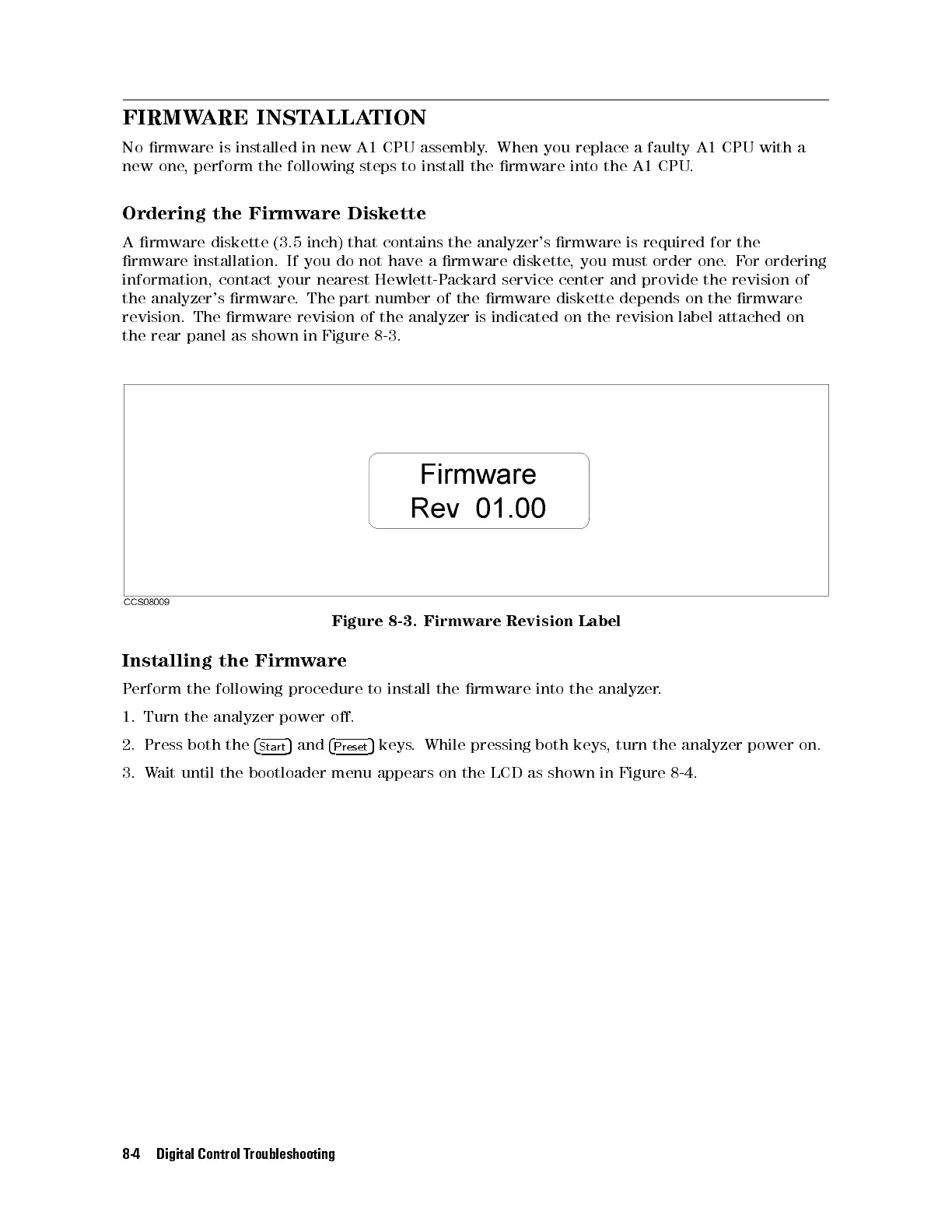
revision. The rmware revision of the analyzer is indicated on the revision label attached on
the rear panel as shown in Figure 8-3.
Figure 8-3. Firmware Revision Label
Installing the Firmware
Perform the following procedure to install the rmware into the analyzer
.
1. Turn the analyzer power o.
2. Press both the
4
Start
5
and
4
Preset
5
keys. While pressing both keys, turn the analyzer power on.
3. Wait until the bootloader menu appears on the LCD as shown in Figure 8-4.
8-4 Digital Control Troubleshooting



 To Next Page