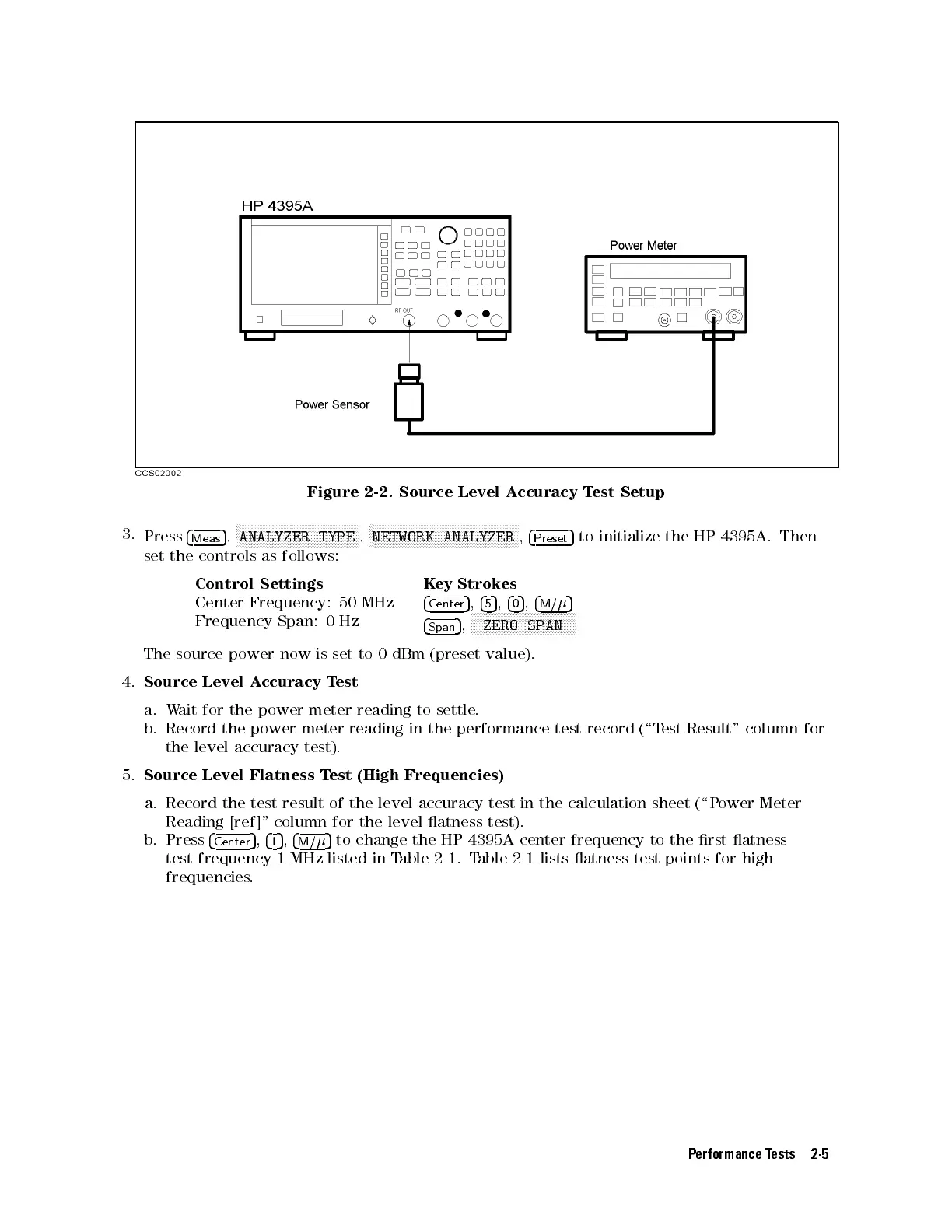
Figure 2-2. Source Level Accuracy Test Setup
3.
Press
4
Meas
5
,
N
NNNNNNNNNNNNNNNNNNNNNNNNNNNNNNNNNNNNNNNN
ANALYZER TYPE
,
N
NNNNNNNNNNNNNNNNNNNNNNNNNNNNNNNNNNNNNNNNNNNNNNNNN
NETWORK ANALYZER
,
4
Preset
5
to initialize the HP 4395A. Then
set the controls as follows:
Control Settings Key Strokes
Center Frequency: 50 MHz
4
Center
5
,
4
5
5
,
4
0
5
,
4
M/
5
Frequency Span: 0 Hz
4
Span
5
,
NNNNNNNNNNNNNNNNNNNNNNNNNNNNNNNNNNN
ZERO SPAN
The source power now is set to 0 dBm (preset value).
4.
Source Level Accuracy Test
a. Wait for the power meter reading to settle.
b. Record the power meter reading in the performance test record (\T
est Result" column for
the level accuracy test).
5.
Source Level Flatness Test (High Frequencies)
a. Record the test result of the level accuracy test in the calculation sheet (\Power Meter
Reading [ref]" column for the level atness test).
b. Press
4
Center
5
,
4
1
5
,
4
M/
5
to change the HP 4395A center frequency to the rst atness
test frequency 1 MHz listed in Table 2-1 . Table 2-1 lists atness test points for high
frequencies.
Performance Tests 2-5



 To Next Page