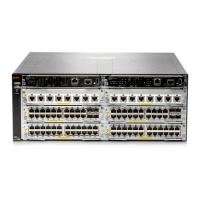
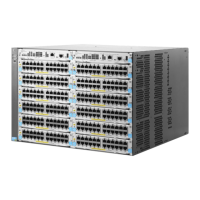
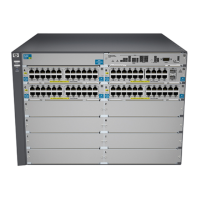
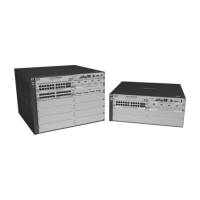
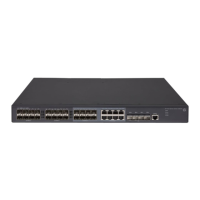
1. Grounding Lug Mounting Holes
2. Power Supply Slots
Software version
For the latest software version, go to: http://www.hpe.com/networking/support
Installation notes
Transceiver operation notes
Revision “B” or later SFP transceivers only. This product requires revision “B” or later
mini-GBICs or SFP transceivers (product number ends with the letter “B” or later, for example
J4858B or J4859C). These switches do not support revision “A” mini-GBIC or SFP transceivers.
This applies only to SFP transceivers and not SFP+ transceivers.
Use only genuine Hewlett Packard Enterprise transceivers: Non-Hewlett Packard Enterprise
transceivers are not supported. Use of genuine products ensures that your network maintains
optimal performance and reliability. Should you require additional transceivers, please contact
a sales representative or an authorized reseller. For a complete list of supported transceivers,
visit the Hewlett Packard Enterprise networking Web site at http://www.hpe.com/networking/
support. Locate FAQs, and under Mini-GBICs and Transceivers, select one of the following:
• HPE 10-GbE Transceivers and Cables
• HPE Mini-GBICs and SFPs
Click on the first question in the “General product information” category.
Hot-Swapping transceivers: The transceivers that you can install in your Hewlett Packard
Enterprise switch can be “hot swapped”–removed and installed after the switch is receiving power.
You should disconnect the network cables from the transceivers before hot swapping them.
Best practice tip: After inserting a transceiver into a switch, the Mode LED will be on for two
seconds while the transceiver is initialized. Do not remove the transceiver until the Mode LED
has turned off.
When you replace a transceiver with another transceiver of a different type and then execute the
write memory command in the switch console, the switch configures the port on the new
transceiver with the default mode (speed and duplex) settings used for the new transceiver type.
The default mode for the transceivers is Auto. Note that the switch retains other port-specific
configuration settings, such as trunking Spanning Tree Protocol (STP) and VLAN values that
were configured for the previous transceiver.
Connecting the transceivers to devices with fixed configurations: For some older network
devices, including some older Hewlett Packard Enterprise devices, the default for the Gigabit-SX,
Gigabit-LX, and Gigabit-LH ports is a fixed configuration, for example 1000 Mbps/Full Duplex,
or is otherwise different from these default configurations for the transceivers, which is Auto. As
a result, those devices may not connect properly to your transceiver port; you will not get a link.
Because of these default configuration and full-duplex considerations, for best operation, you
4



 To Next Page
 Loading...