Email
Guidelines
Do not exceed the In-tray capacity: up to 150 sheets.
Preparing to print
1. Verify that the printer is turned on.
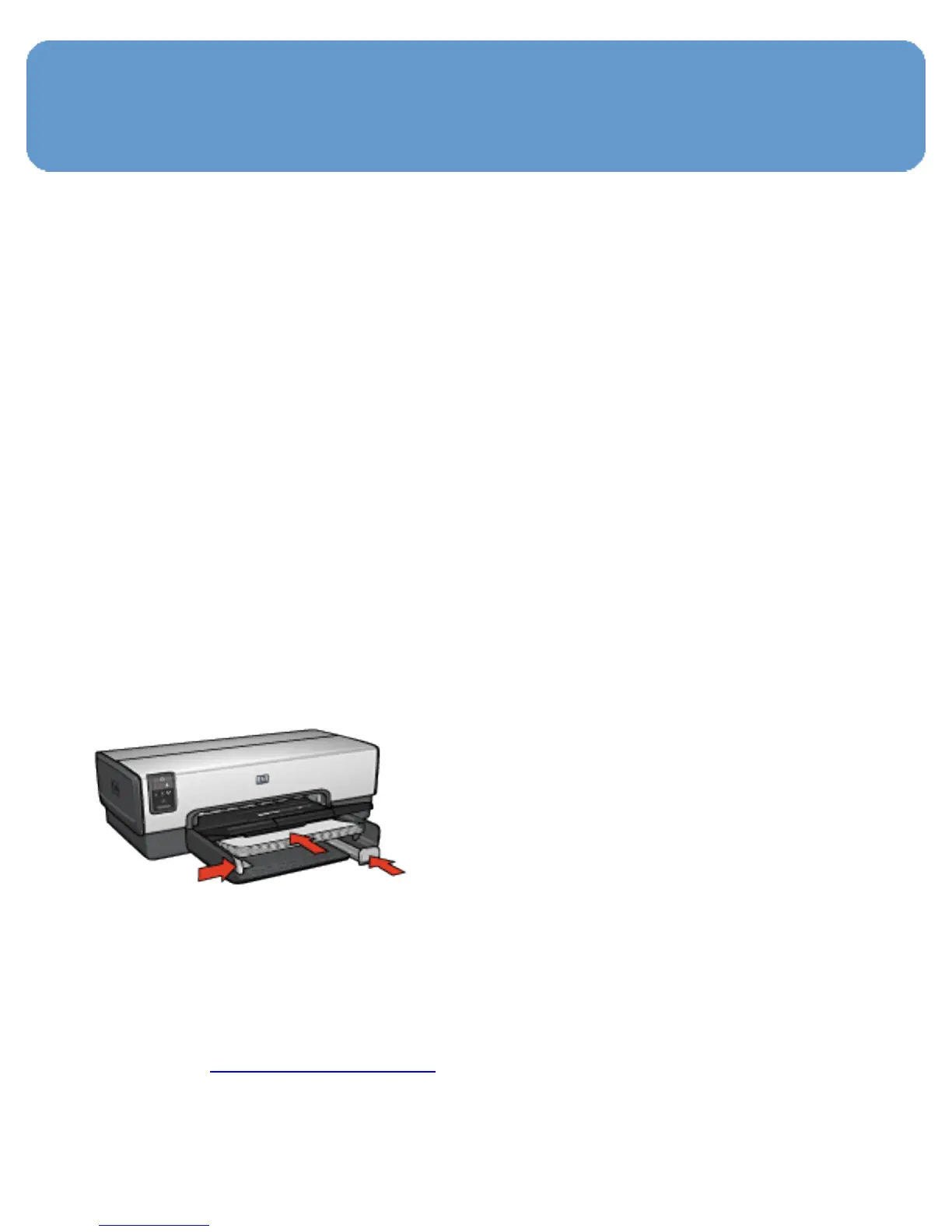
2. Raise the Out tray.
3. Slide the paper-width guide all the way to the left, and then
pull out the paper-length guide.
4. Place plain paper in the In tray, pushing the paper into the
printer until it stops.
5. Slide the paper guides firmly against the paper.
6. Lower the Out tray.
Printing
1. Open the Printer Properties dialog box.
2. On the Printing Shortcuts tab, click General everyday
printing or Fast/economical printing, and then specify


 To Next Page
 Loading...
