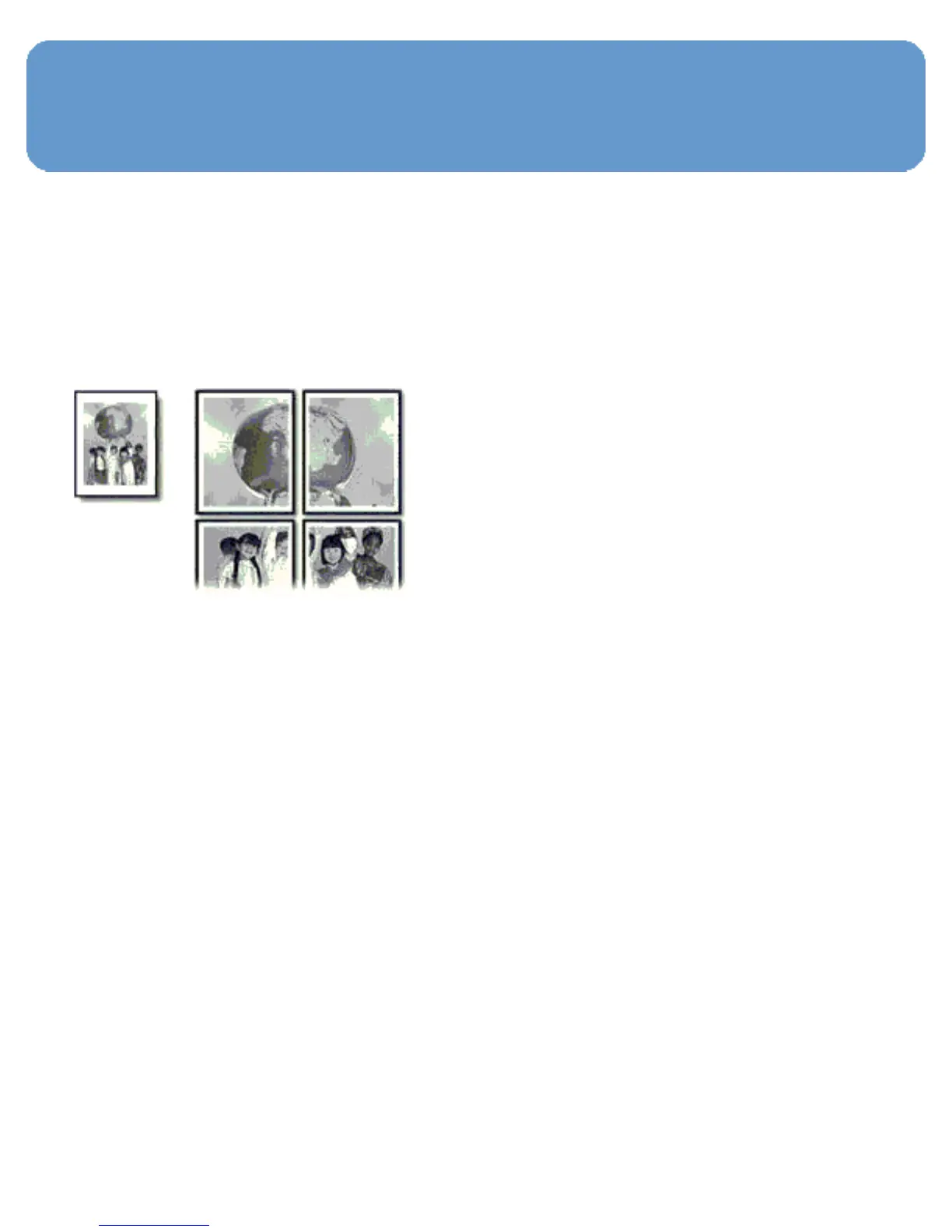
Posters
Guidelines
● After the sections of a poster have been printed, trim the
edges of the sheets, and then tape the sheets together.
● Do not exceed the In-tray capacity: up to 150 sheets.
Preparing to print
1. Verify that the printer is turned on.
2. Raise the Out tray.
3. Slide the paper-width guide all the way to the left, and then
pull out the paper-length guide.
4. Place plain paper in the In tray, pushing the paper into the
printer until it stops.
5. Slide the paper guides firmly against the paper.



 To Next Page