Banners
Guidelines
● Use HP Banner Paper for great results.
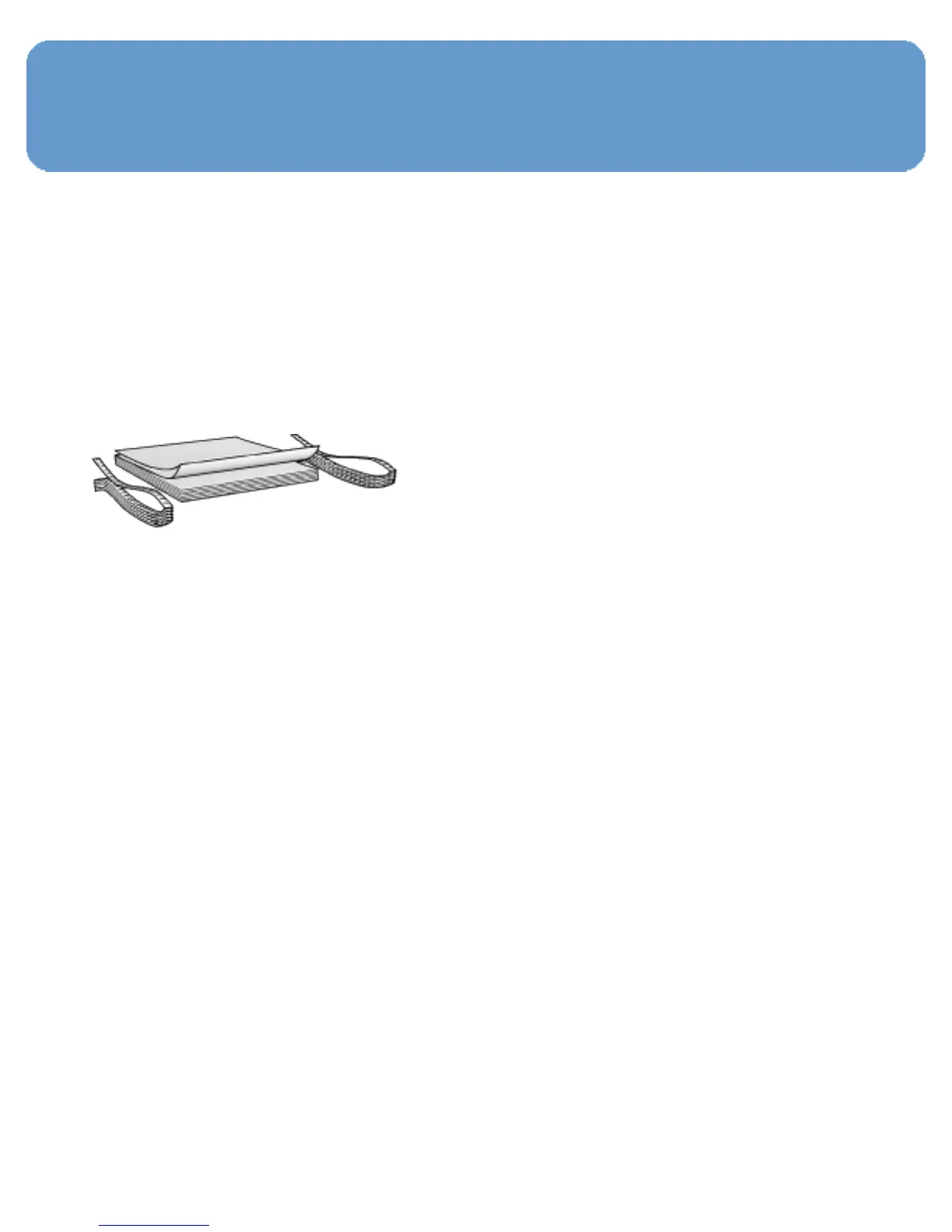
● Remove any perforated strips from the banner paper before
loading it in the In tray.
● Do not exceed the In-tray capacity: up to 20 sheets.
Preparing to print
1. Verify that the printer is turned on.
2. Remove the Out tray, and then remove all paper from the
In tray.
3. Slide the paper width-guide all the way to the left, and then
pull out the paper-length guide.
4. Place the banner paper in the In tray so that the
unattached edge is on top of the paper stack and pointing
toward the printer.



 To Next Page