3. Click OK.
Note:
To restore default print settings, click Default print
settings in the Print Task Quick Sets drop-down
list, and click OK.
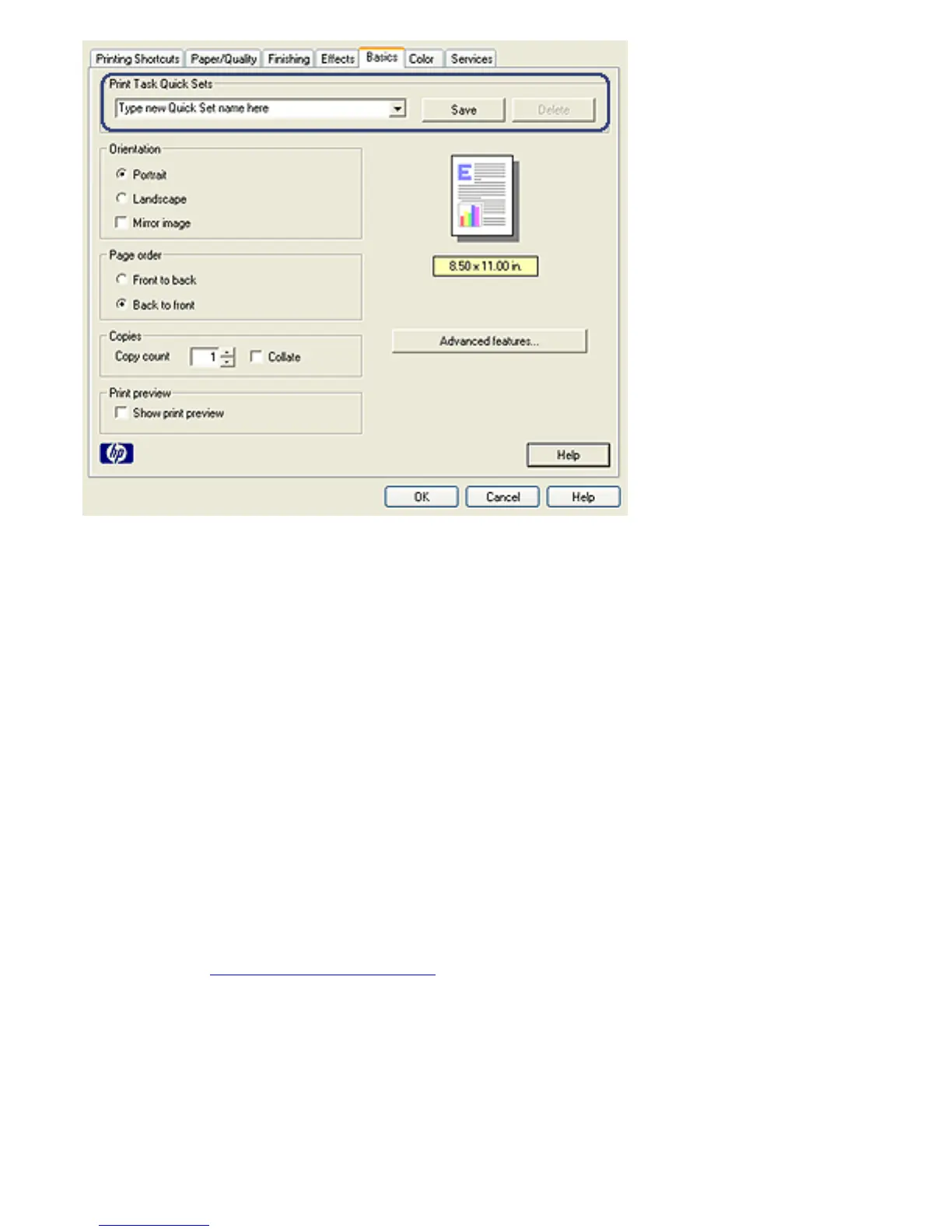
Creating a print task quick set
Follow these steps to create a print task quick set:
Note:
The printer software can save up to 25 print task
quick sets.
1. Open the Printer Properties dialog box.
2. Select the options that you want to include in the new print
task.
3. Type a name for the new print task in the Print Task
Quick Sets drop-down list, and then click Save.



 To Next Page