Setting the printer default settings
The printer uses the default settings for all documents unless
you open the
Printer Properties dialog box and specify other
settings.
To save time when printing, set the printer default settings to
options that you use often. That way, you do not have to
specify the options every time you use the printer.
Follow these steps to change the printer default settings:
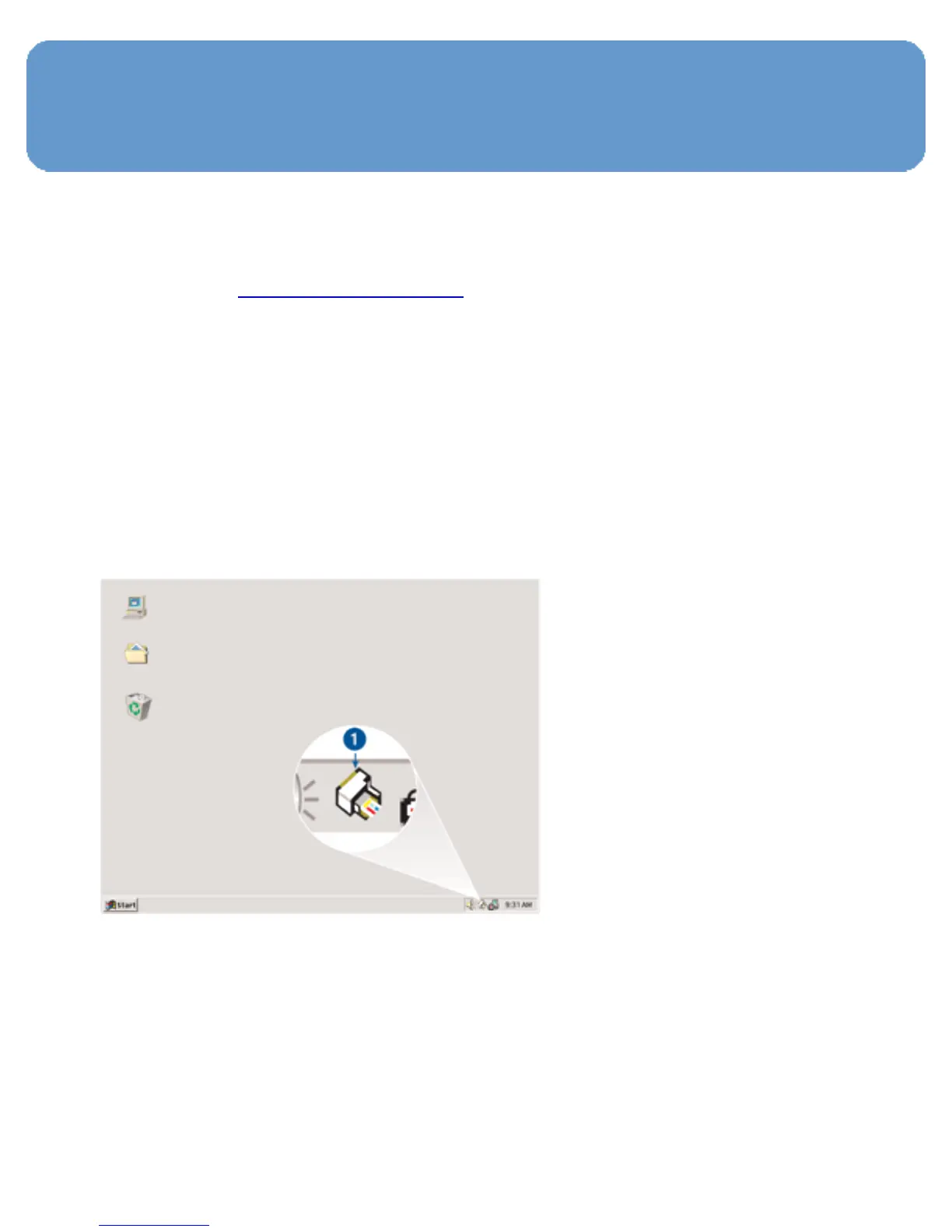
1. Click the printer task tray icon.
1. Printer task tray icon
The Printer Properties dialog box appears.
2. Select the options that you want to use as the default
settings.
3. Click OK.



 To Next Page