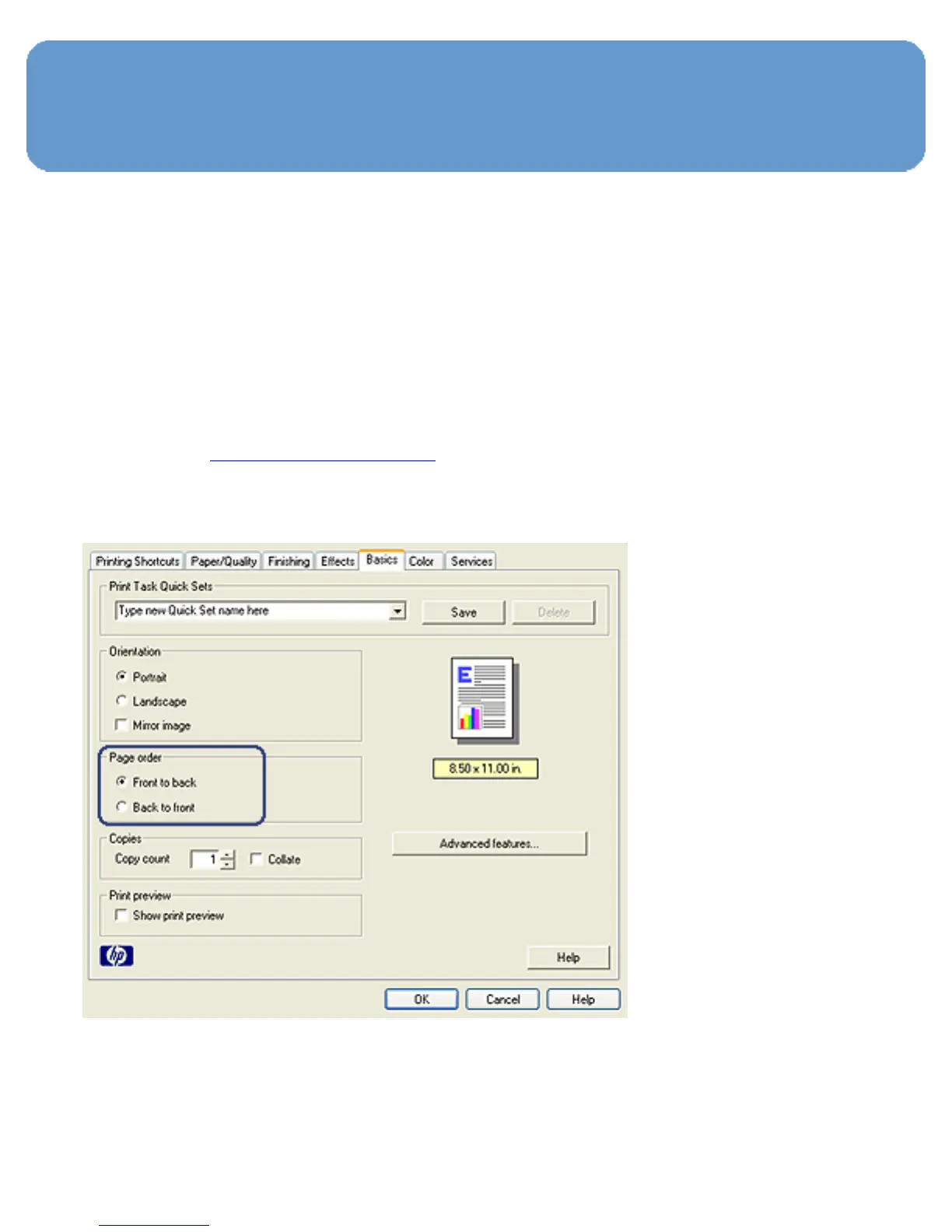
Setting the page order
Setting the page order determines the order in which your
document will be printed. Frequently, it is convenient to have
the first page of a document printed last so that the complete
document is lying face-up in the Out tray.
Follow these steps to set the page order:
1. Open the Printer Properties dialog box.
2. Click the Basics tab.



 To Next Page