Printing multiple pages on a single
sheet of paper
Use printer software to print multiple pages of a document on
a single sheet of paper. The printer software automatically
resizes the document text and images to fit on the printed
page.
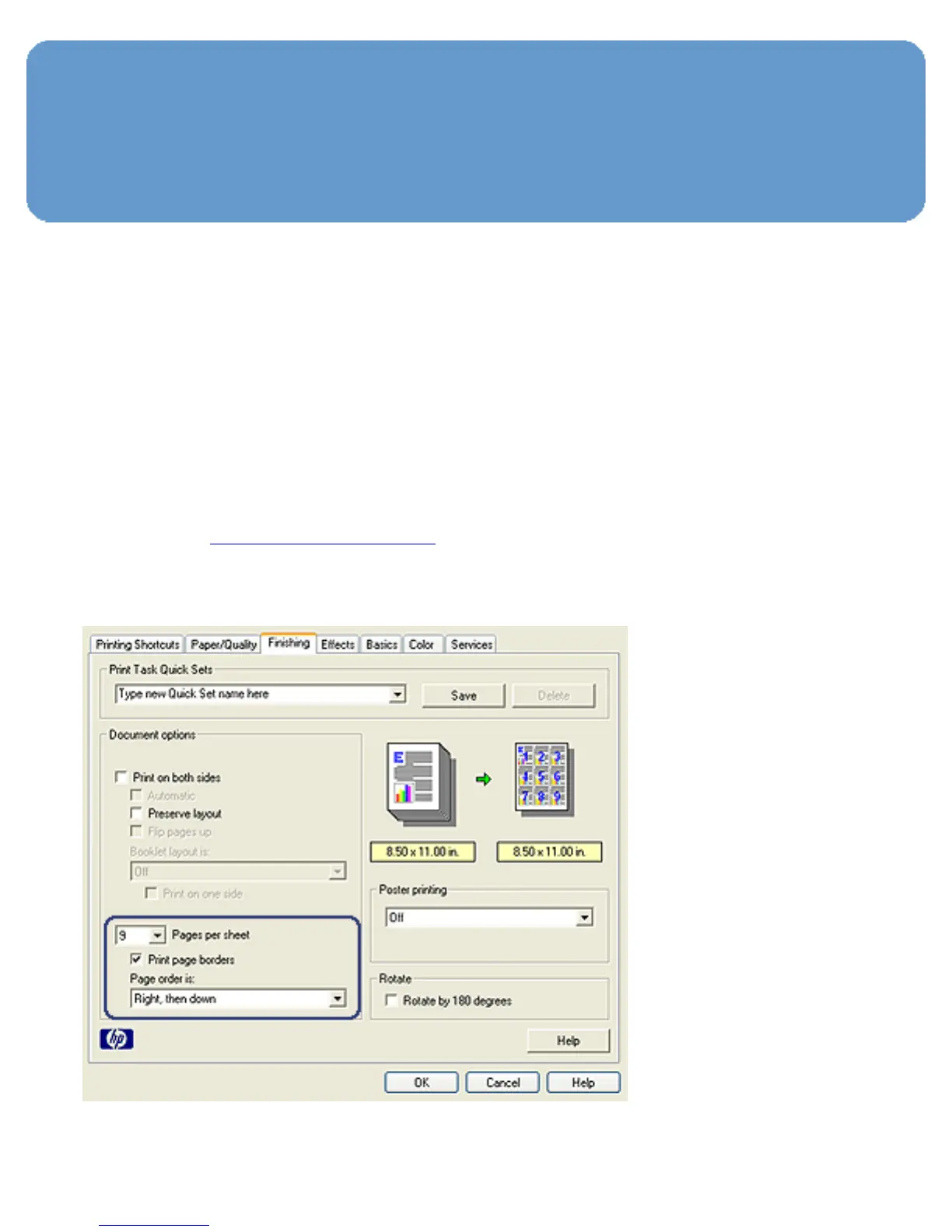
Follow these steps to print multiple pages of a document on a
single sheet of paper:
1. Open the Printer Properties dialog box.
2. Click the Finishing tab.



 To Next Page