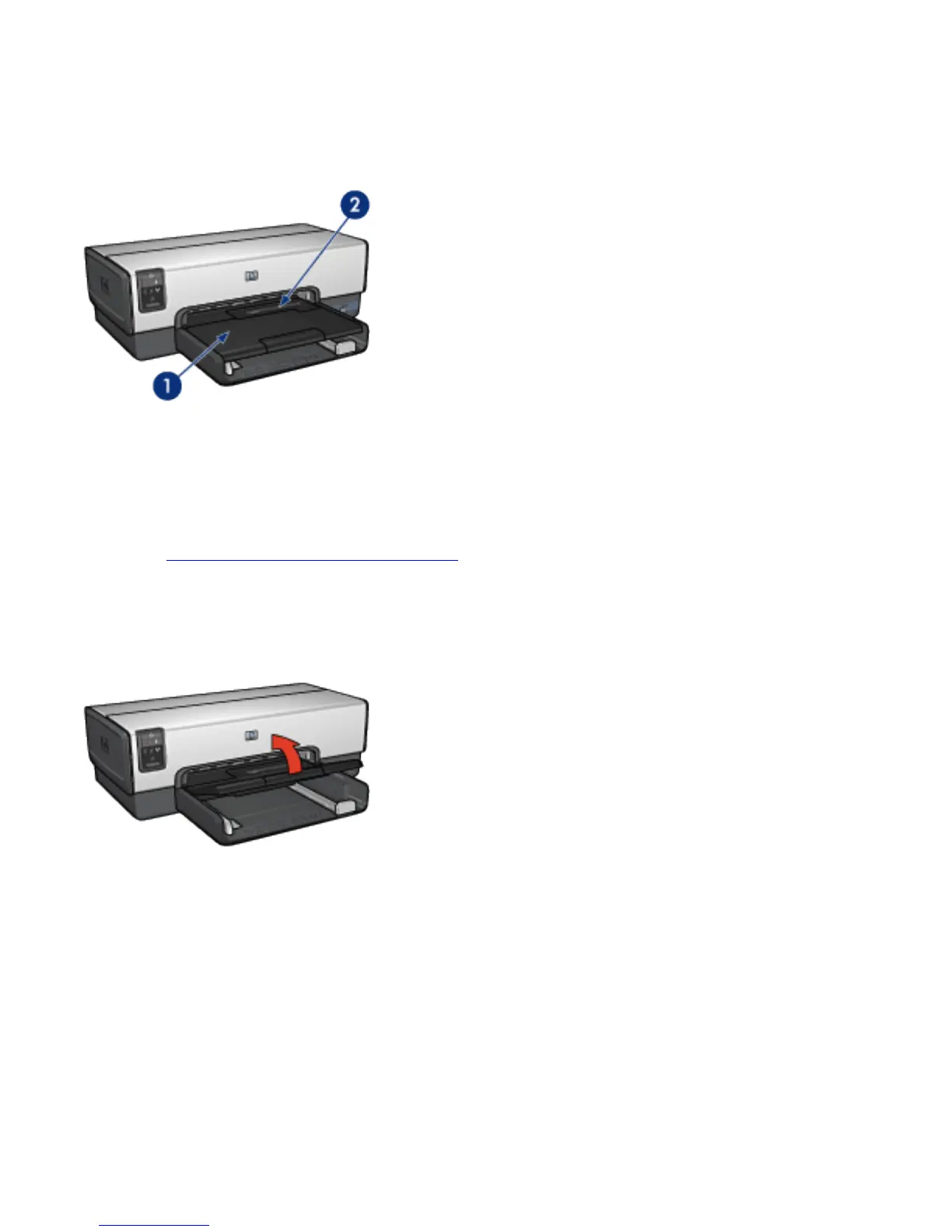
Out tray
Printed pages are deposited in the Out tray.
1. Out tray
2. Photo/envelope feeder
Use the photo/envelope feeder to print single envelopes,
small photos, and cards.
Raise the Out tray to load paper.
To prevent paper from falling out of the Out tray, pull out the
Out-tray extension, and then unfold the Out-tray extension
stop.



 To Next Page