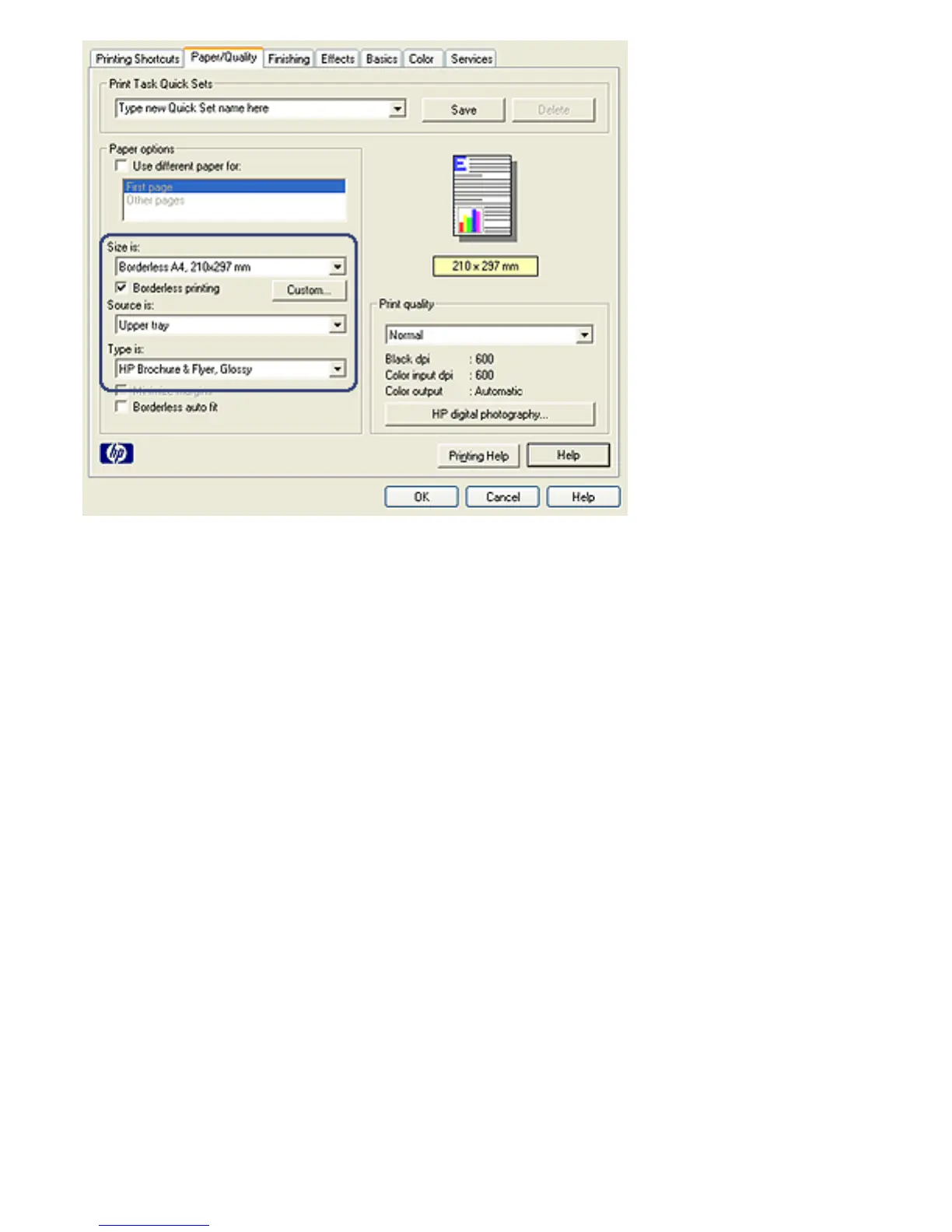
4. Select one of the borderless paper sizes in the Size is drop-
down list. Verify that the paper size matches the size of the
paper that is loaded in the In tray.
5. Verify that the Borderless Printing check box is selected.
6. Click the glossy brochure paper type in the Type is drop-
down list.
Do not select Automatic.
7. Select any other print settings that you want, and then
click OK.



 To Next Page