Setting a custom paper size
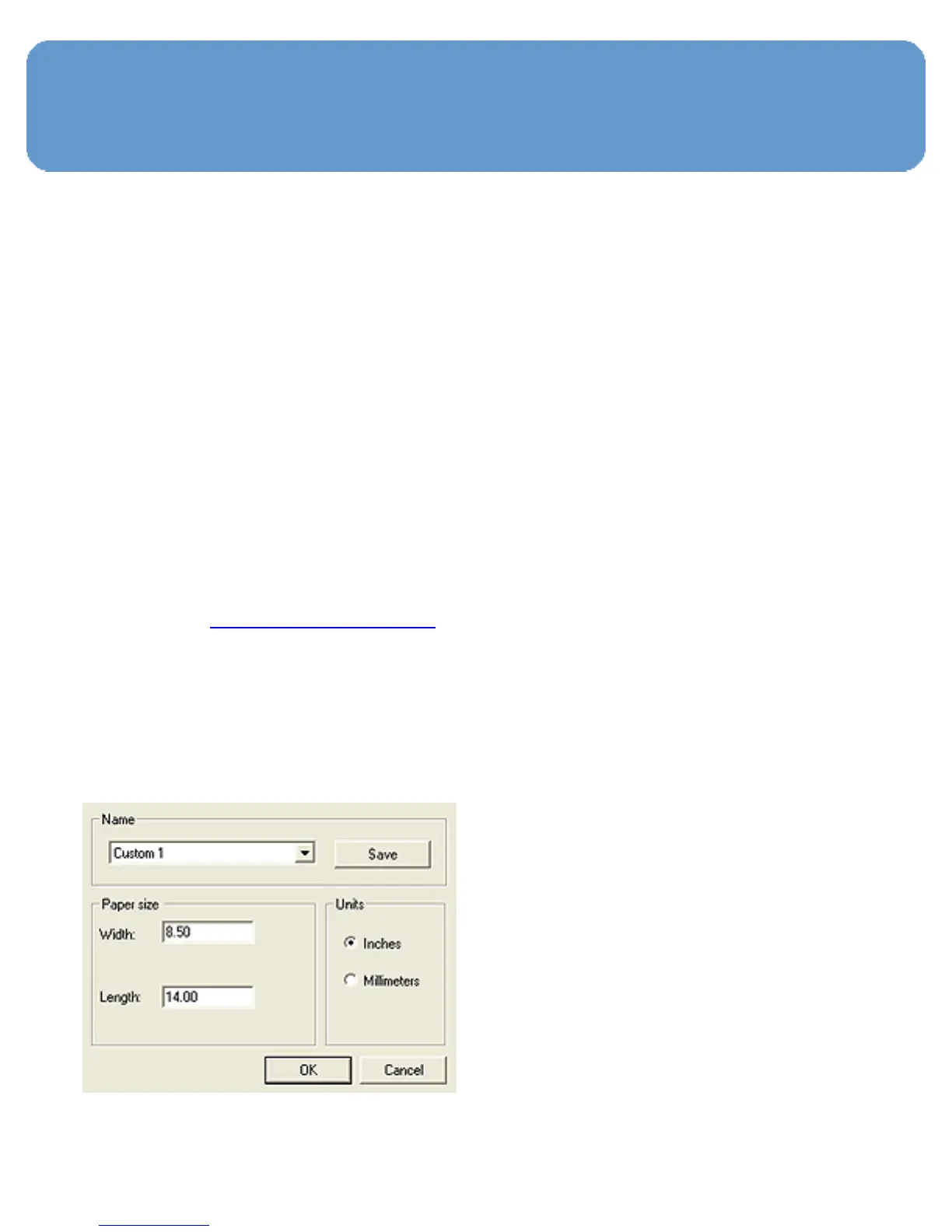
Use the Custom paper size dialog box to print on a special
paper size.
Note:
Use the Custom paper size dialog box to create
borderless panoramic paper sizes. The printer can
print borderless documents on paper sizes from 101
x 152 mm (4x6 in) to 210 x 594 mm (8.5 x 23.4
in).
Defining a custom paper size
Follow these steps to define a custom paper size:
1. Open the Printer Properties dialog box.
2. Click the Paper/Quality tab.
3. Click the Custom button.
The Custom paper size dialog box appears.



 To Next Page