Selecting a paper source
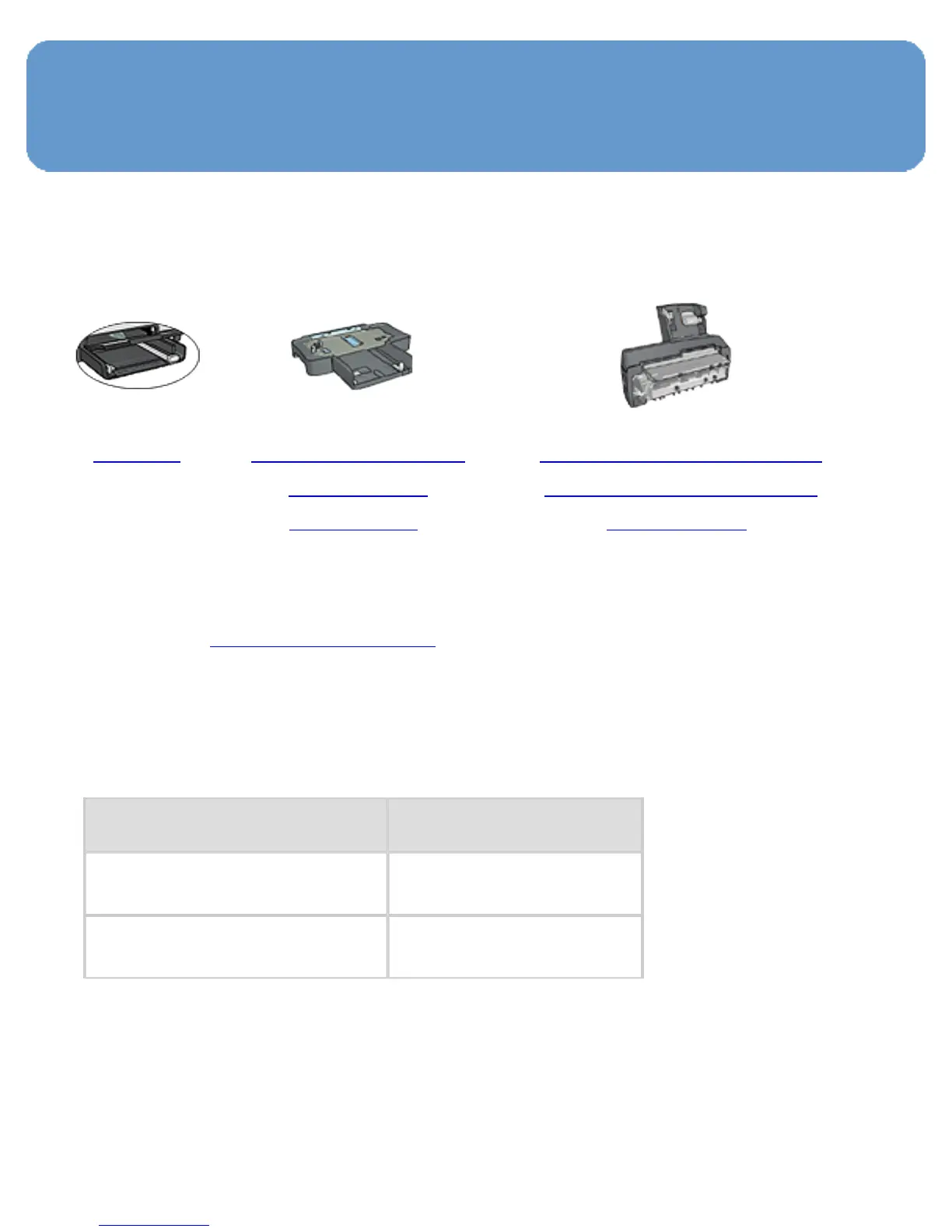
The printer offers three sources for paper:
In tray 250-Sheet Plain
PaperTray
Accessory
Auto Two-Sided Print
Accessorywith Small
Paper Tray
Follow these steps to select a paper source:
1. Open the Printer Properties dialog box.
2. Click the Printing Shortcuts tab or the Paper/Quality
tab.
3. Find the appropriate drop-down list:
Tab Drop-down list
Printing Shortcuts
Paper source
Paper/Quality
Source is
Select any other print settings that you want, and then
click OK.



 To Next Page