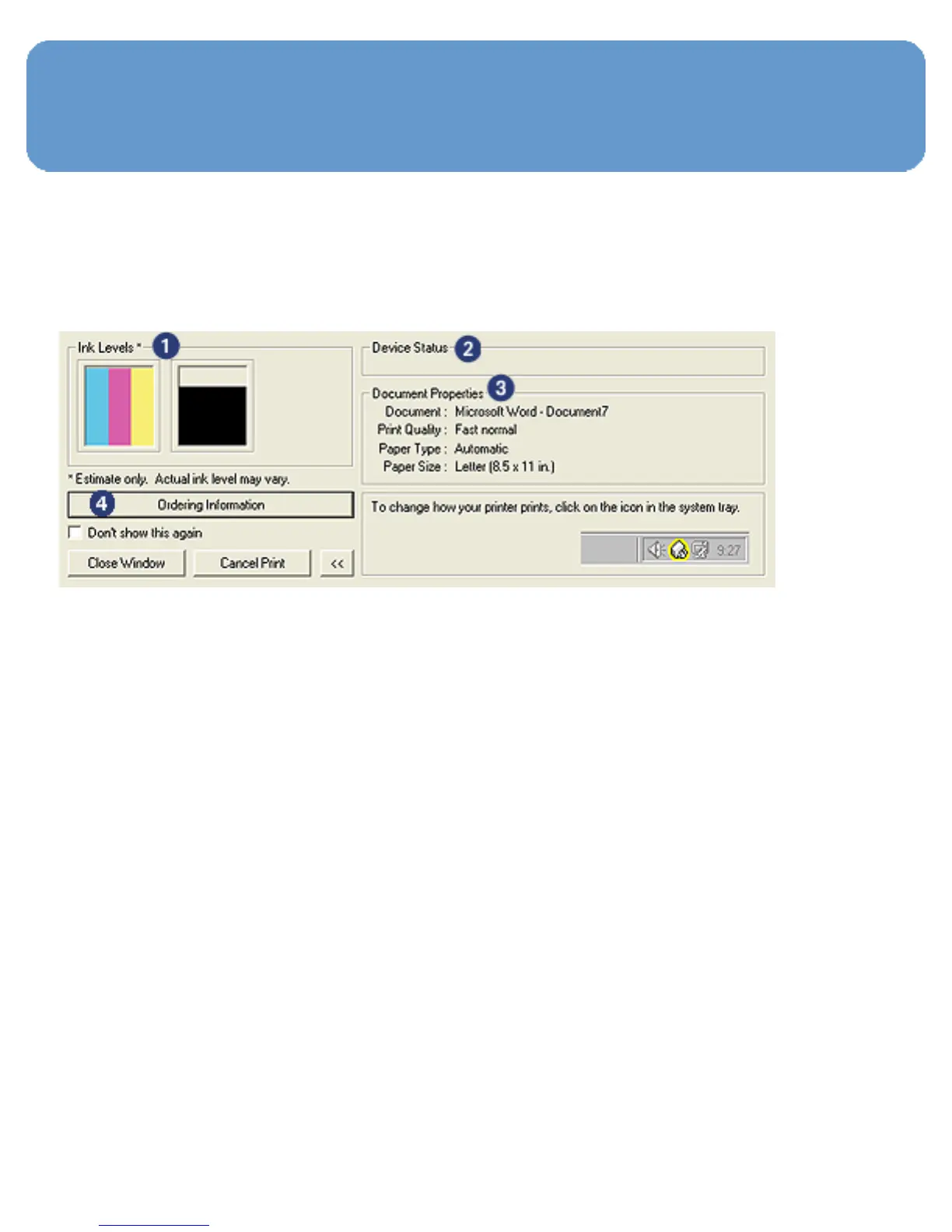
Device Status window
The Device Status window appears each time the printer
prints a file.
The following items appear in the Device Status window:
1. Ink levels: Approximate ink level of each print cartridge.
2. Device status: The status of the printer. For example,
Spooling or Printing.
3. Document properties: Information about the current
print job:
❍ Document: Name of the document that is currently
printing
❍ Print quality: Print quality setting that is being used
❍ Paper type: Type of paper in use
❍ Paper size: Size of paper in use



 To Next Page