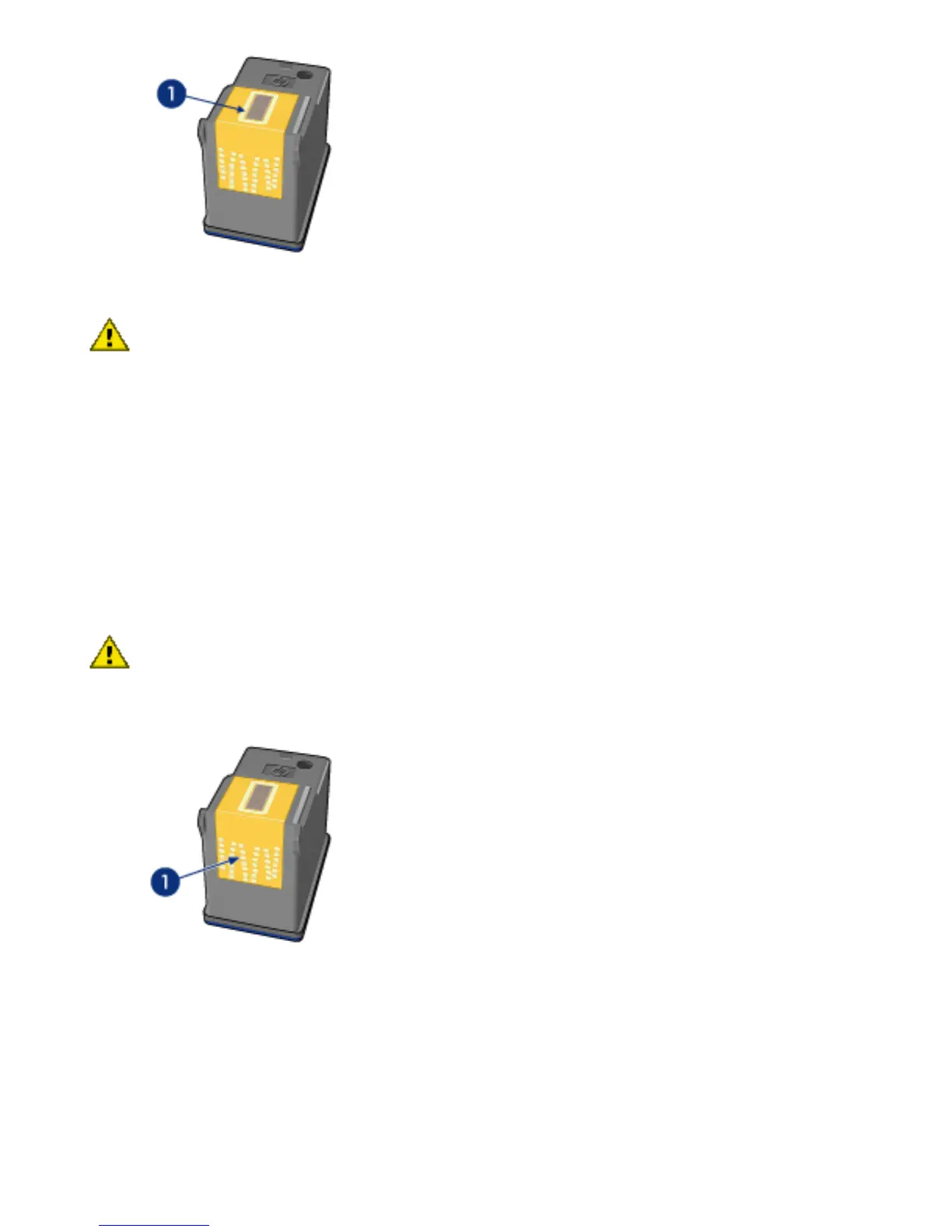
1. Nozzle plate
Caution: Do not leave the print cartridges outside
the printer for more than 30 minutes.
Cleaning instructions
1. Lightly moisten a cotton swab with distilled water and
squeeze any excess water from the swab.
2. Wipe the print cartridge copper contacts with the cotton
swab.
Caution: Do not touch the print cartridge ink
nozzles. Touching the ink nozzles will result in clogs,
ink failure, and bad electrical connections.
1. Clean only the copper contacts
Repeat this process until no ink residue or dust appears on
the swab that you use to clean the contacts.
3. Insert the print cartridges in the printer, and then close the
printer cover.



 To Next Page