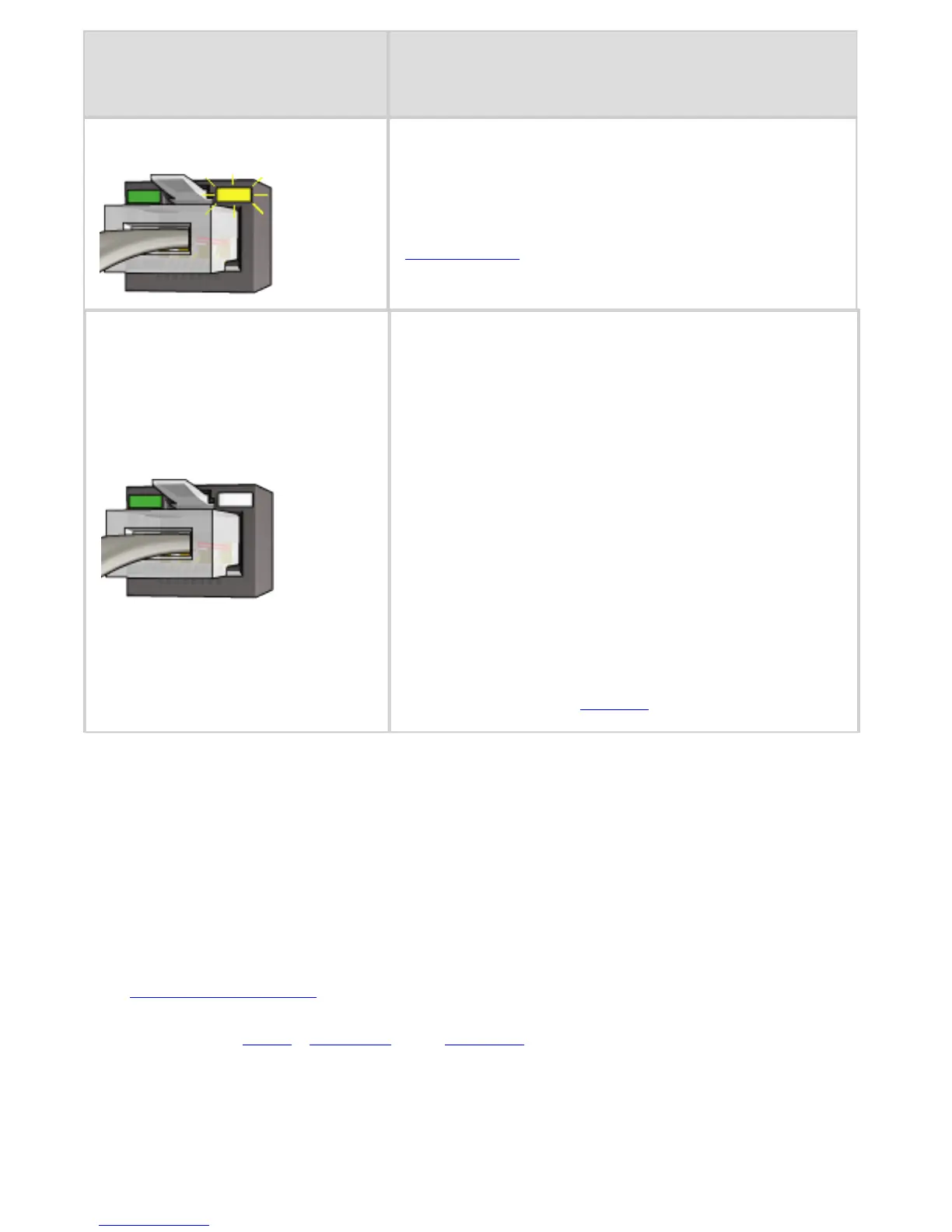
Off
Verify the following:
❍ The printer is selected in the
application from which you are
trying to print.
❍ The computer is connected to
the network.
❍ A personal software firewall
might be blocking
communication between the
printer and the computer.
Follow these
steps.
Cannot open the printer's embedded Web
server (EWS)
Verify the following:
● You are not using a phone cord to connect the printer to the
network
● The Ethernet cable is securely connected to the printer.
● The network hub, switch, or router is on and working
properly.
● The computer that you are using is connected to the
network.
State of the
Activity light
Task
Flashing
The Ethernet connection is
operating correctly. Try these
solutions again.



 To Next Page