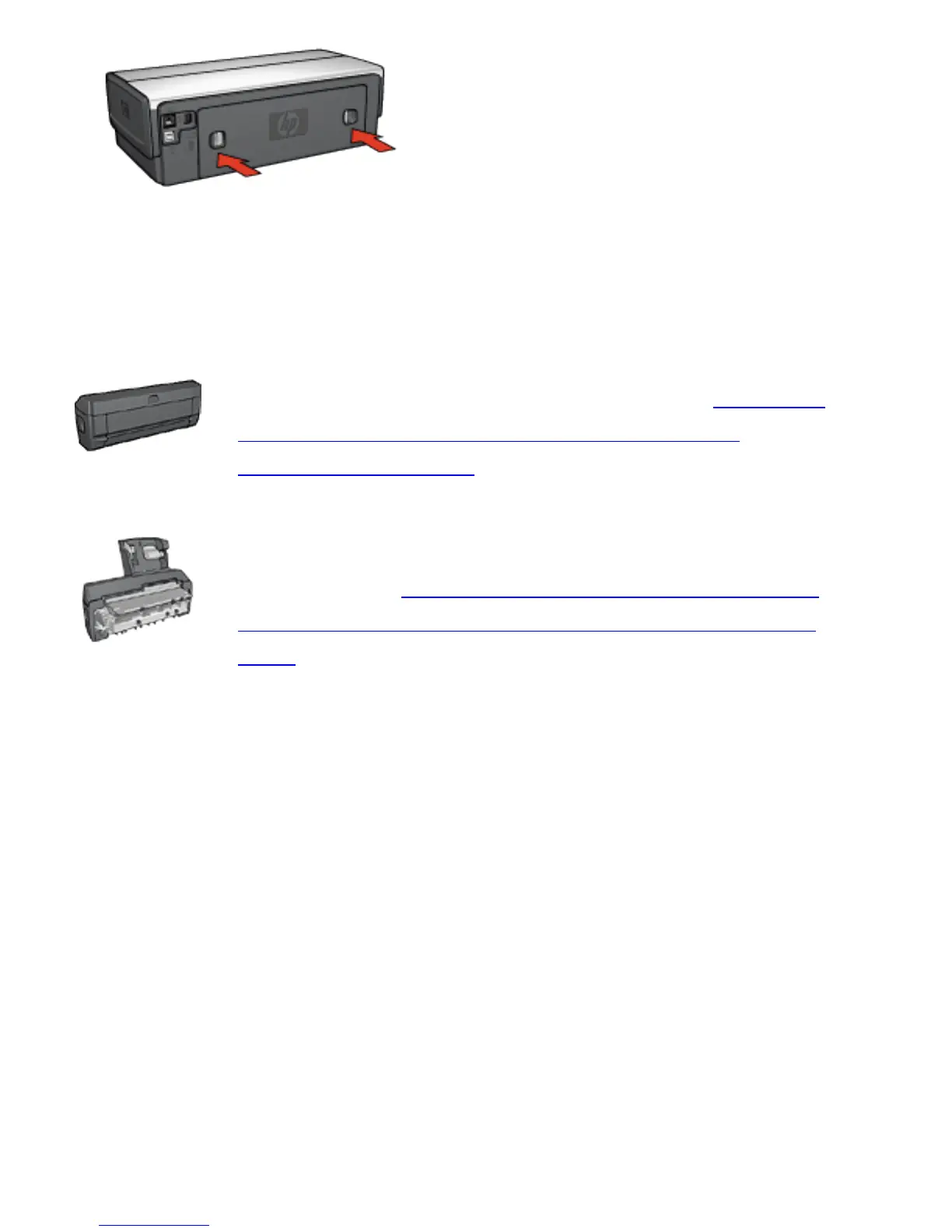
5. Press the Resume button.
Accessories?
If the Two-Sided Printing Accessory is
attached to the printer, follow these steps to
clear a paper jam from the Two-Sided
Printing Accessory.
If the Auto Two-Sided Print Accessory with
Small Paper Tray is attached to the printer,
follow these steps to clear a paper jam Auto
Two-Sided Print Accessory with Small Paper
Tray.



 To Next Page