Installing the duplexer
Follow these steps to attach the duplexer to your printer:
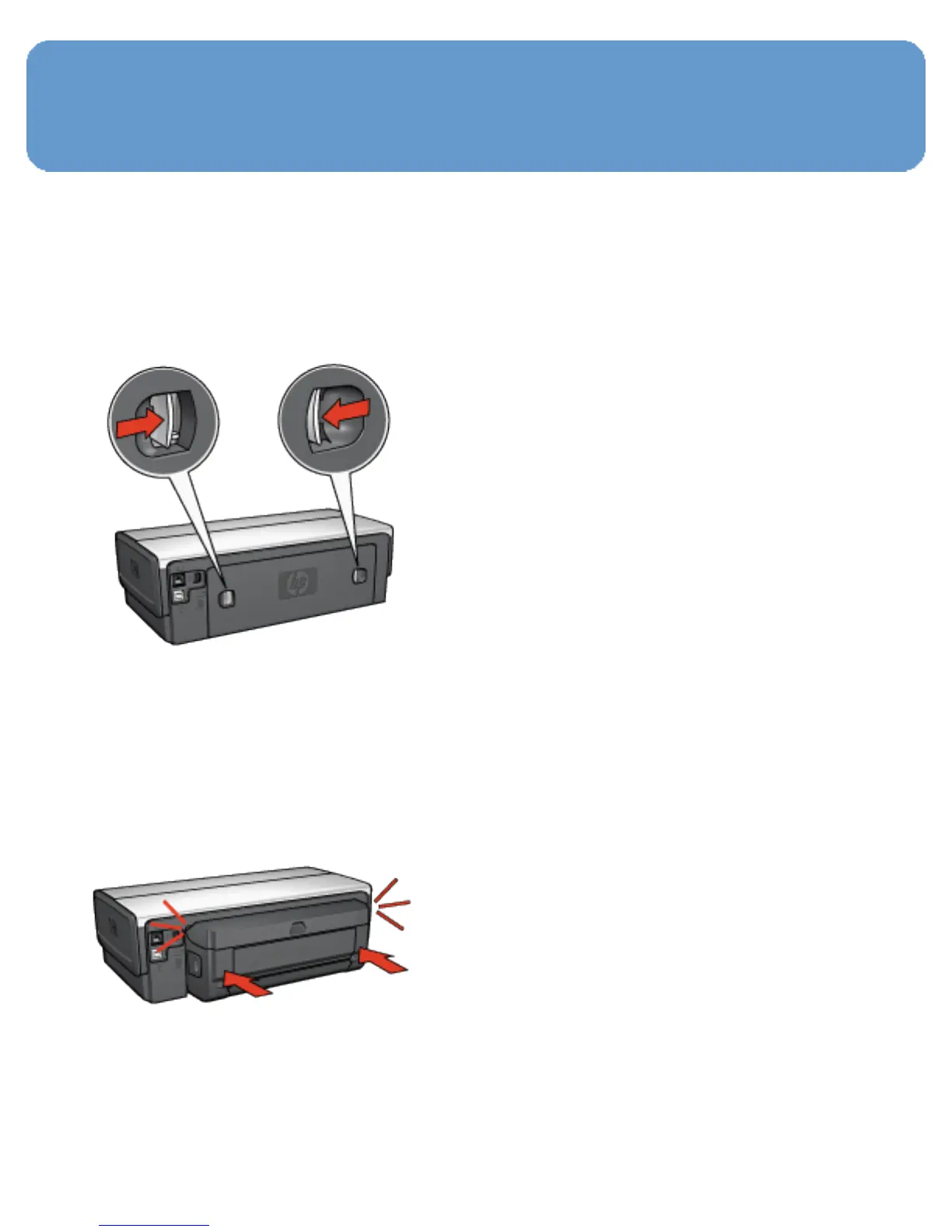
1. Push the two latch handles on the printer's rear access door
toward each other, and then remove the door.
Note:
Do not discard the rear access door. In order to
print, either the duplexer or the rear access door
must be attached to the printer.
2. Insert the duplexer in the back of the printer until both
sides snap into place.
Note:
Do not press the buttons on either side of the
duplexer when installing it in the printer. Use the
buttons only when removing the duplexer from
the printer.



 To Next Page