Printing a booklet automatically
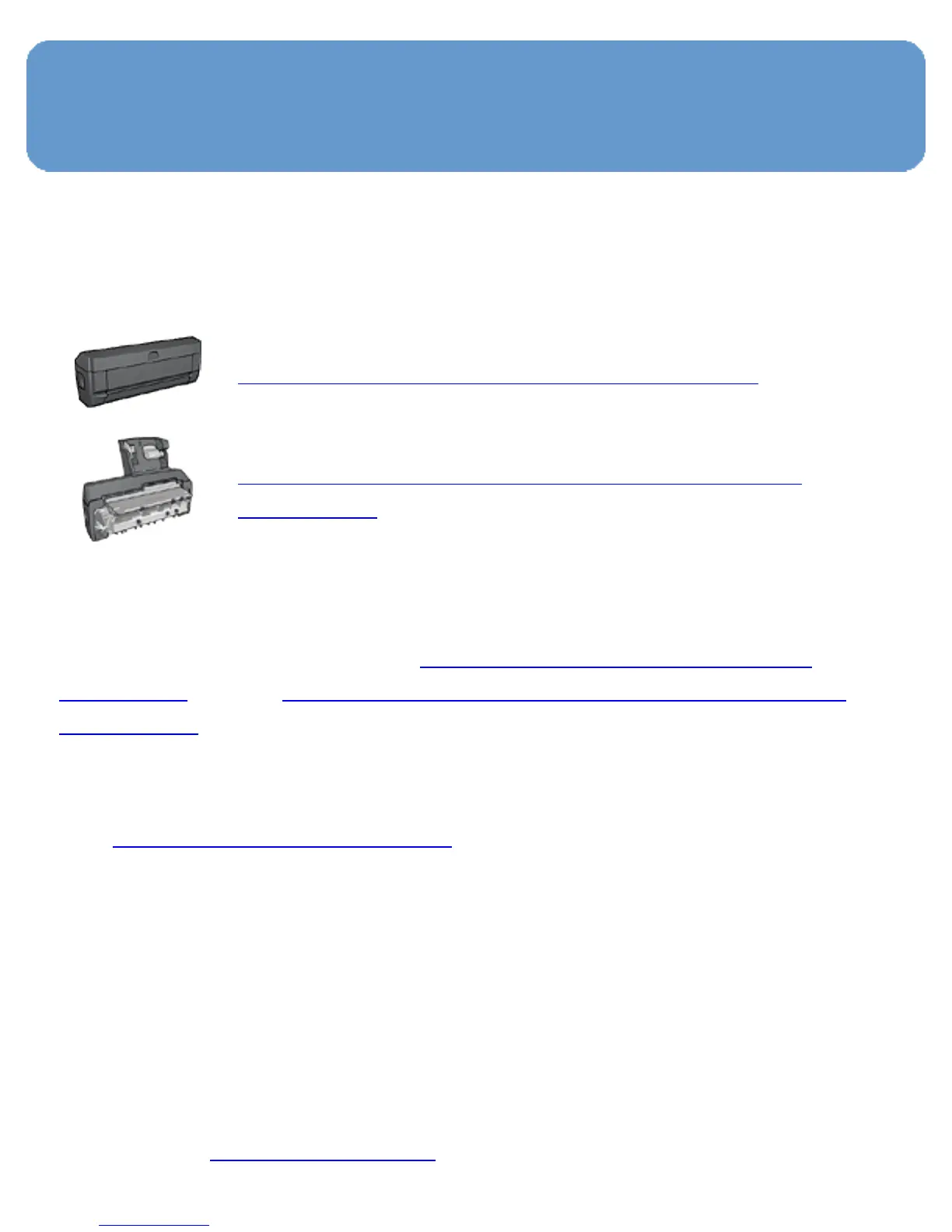
To print a booklet automatically, one of the following
accessories must be attached to the printer:
Automatic Two-Sided Printing Accessory
Auto Two-Sided Print Accessory with Small
Paper Tray
The two-sided printing accessories only support certain paper
types. For a list of supported paper types, see the
specifications for either the
Automatic Two-Sided Printing
Accessory or the Auto Two-Sided Print Accessory with Small
Paper Tray.
If a two-sided printing accessory is not attached to the
printer or you are printing on an unsupported paper type,
use
manual two-sided printing.
Guidelines
Do not exceed the In-tray capacity: up to 150 sheets.
Printing
Load paper in the printer paper tray, and then follow these
steps to print a booklet automatically:
1. Open the Printer Properties dialog box.



 To Next Page