firewalls and DHCP. A router can act as a gateway, while a
hub and a switch cannot.
Cables
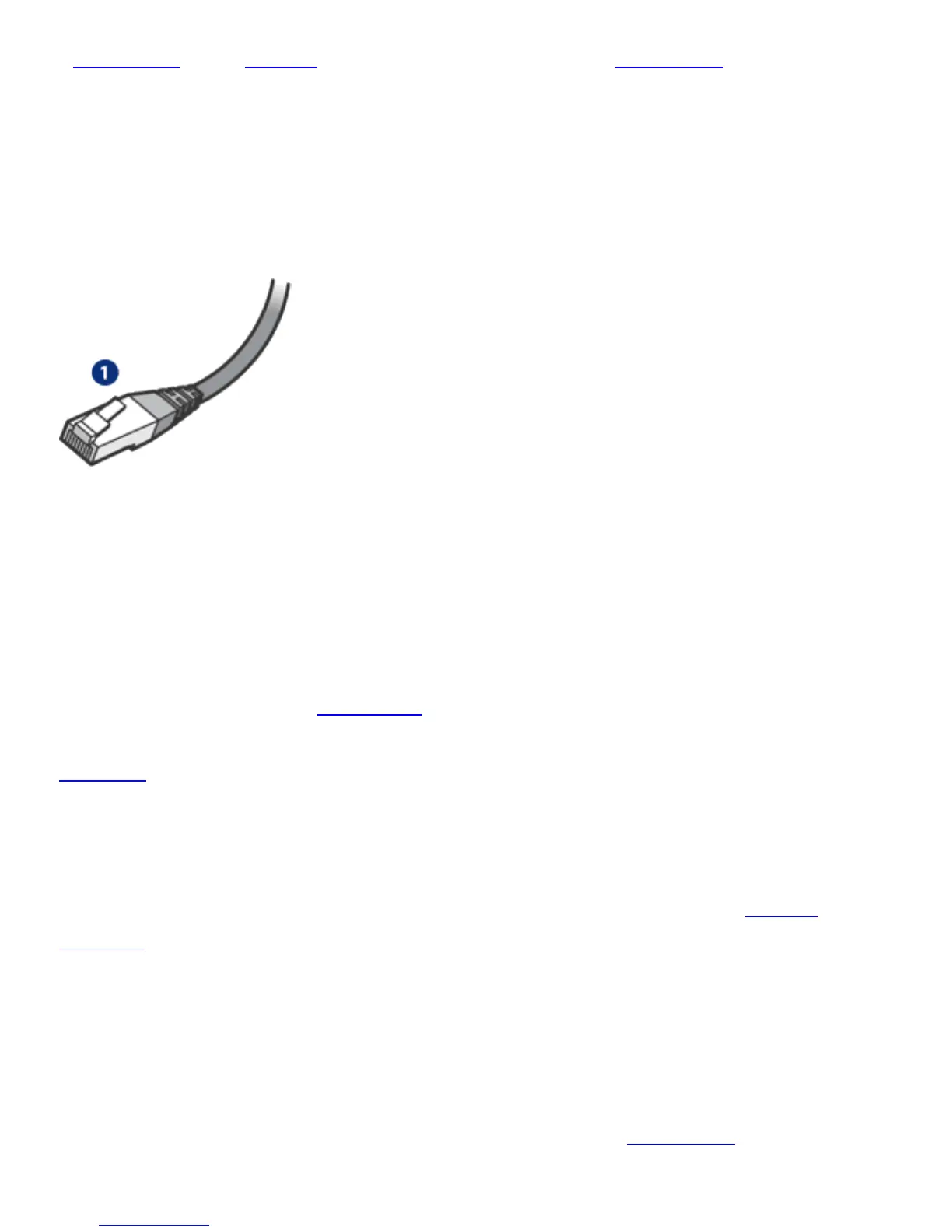
Use a CAT-5 Ethernet cable to connect the printer to an
Ethernet network. Ethernet cables have an RJ-45 plug.
1. RJ-45 plug
Network communication
TCP/IP
Devices on a network communicate with one another using a
“language” called a
protocol. The printer is designed to
operate on networks that use a popular protocol called
TCP/IP.
IP address
Each device on a network identifies itself with a unique IP
address. Most networks use a software tool, such as
DHCP or
AutoIP, to automatically assign IP addresses.
Internet connections
Networks may or may not be connected to the Internet.
If you place the printer on a network connected to the
Internet, it is recommended that you use a
gateway so that



 To Next Page