Ethernet lights
The printer's Ethernet lights indicate the status of the
printer's Ethernet connection.
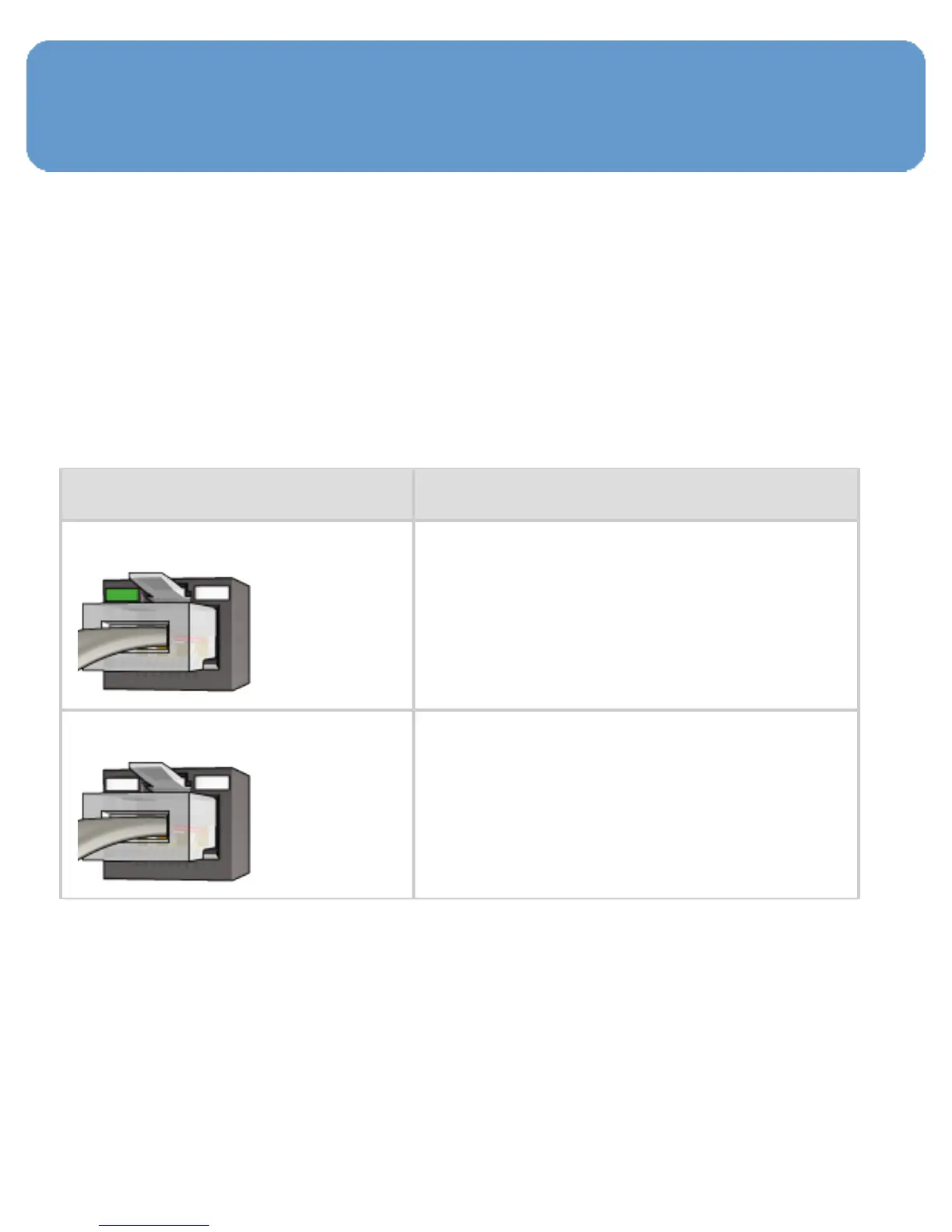
Link light
The Link light is solid when the printer is connected to an
Ethernet network and powered on.
State of the Link light State of the printer
On
Connected to an Ethernet
network and powered on.
Off
Not connected to an Ethernet
network or powered off.



 To Next Page