HP Report page
The HP Report page supplies useful information about the
printer's
wired and PictBridge connections.
Printing an HP Report page
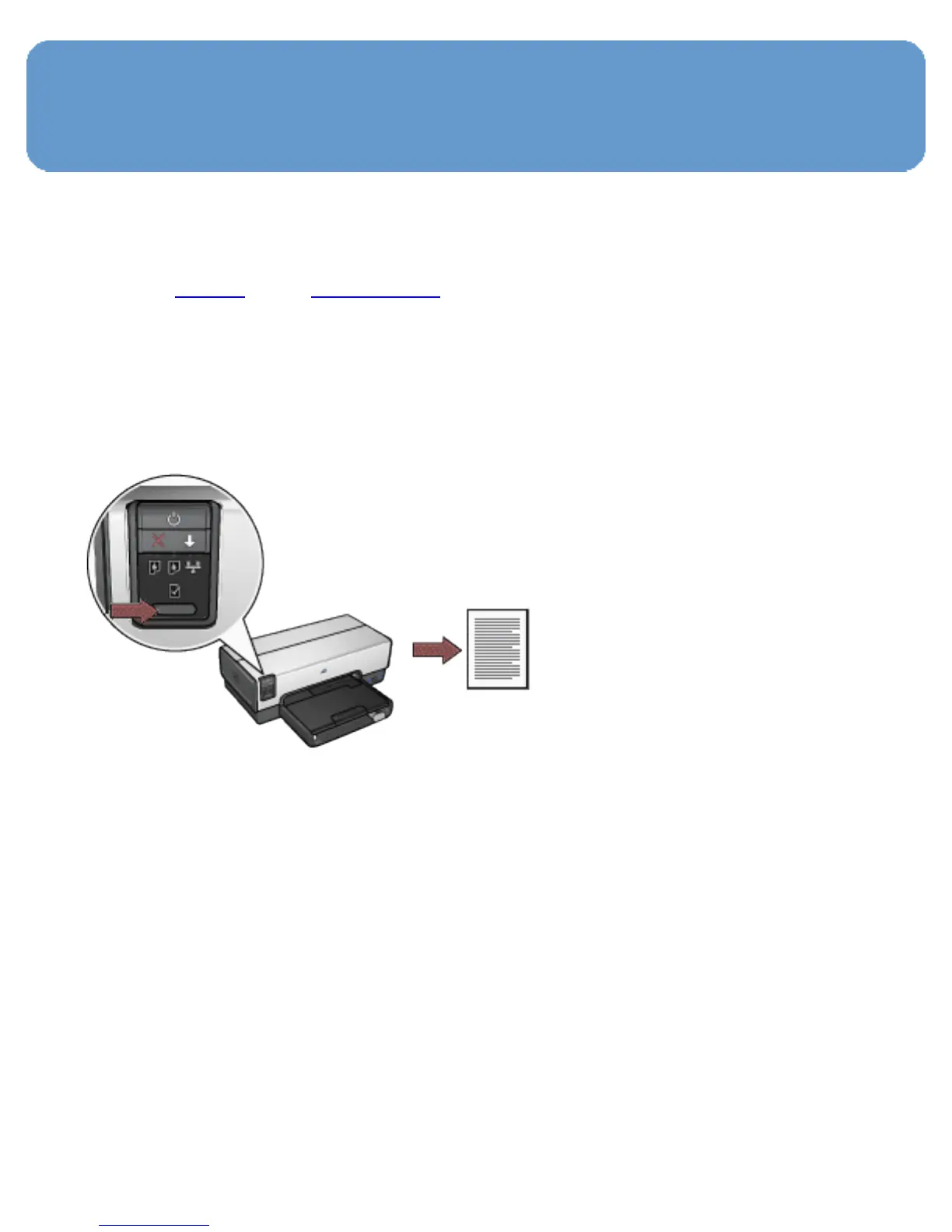
To print an HP Report page, verify that the printer is powered
on and idle, and then press the Report Page button once.
If the printer has just been connected to a network, wait a
few minutes before printing the HP Report page to allow the
printer to obtain valid settings.
Selecting the language
The default language for the HP Report page is English.
Follow these steps to print the page in another language:
1. Press the Report Page button to print the English version
of the page.
2. On the lower portion of the page, find the language that
you want.



 To Next Page