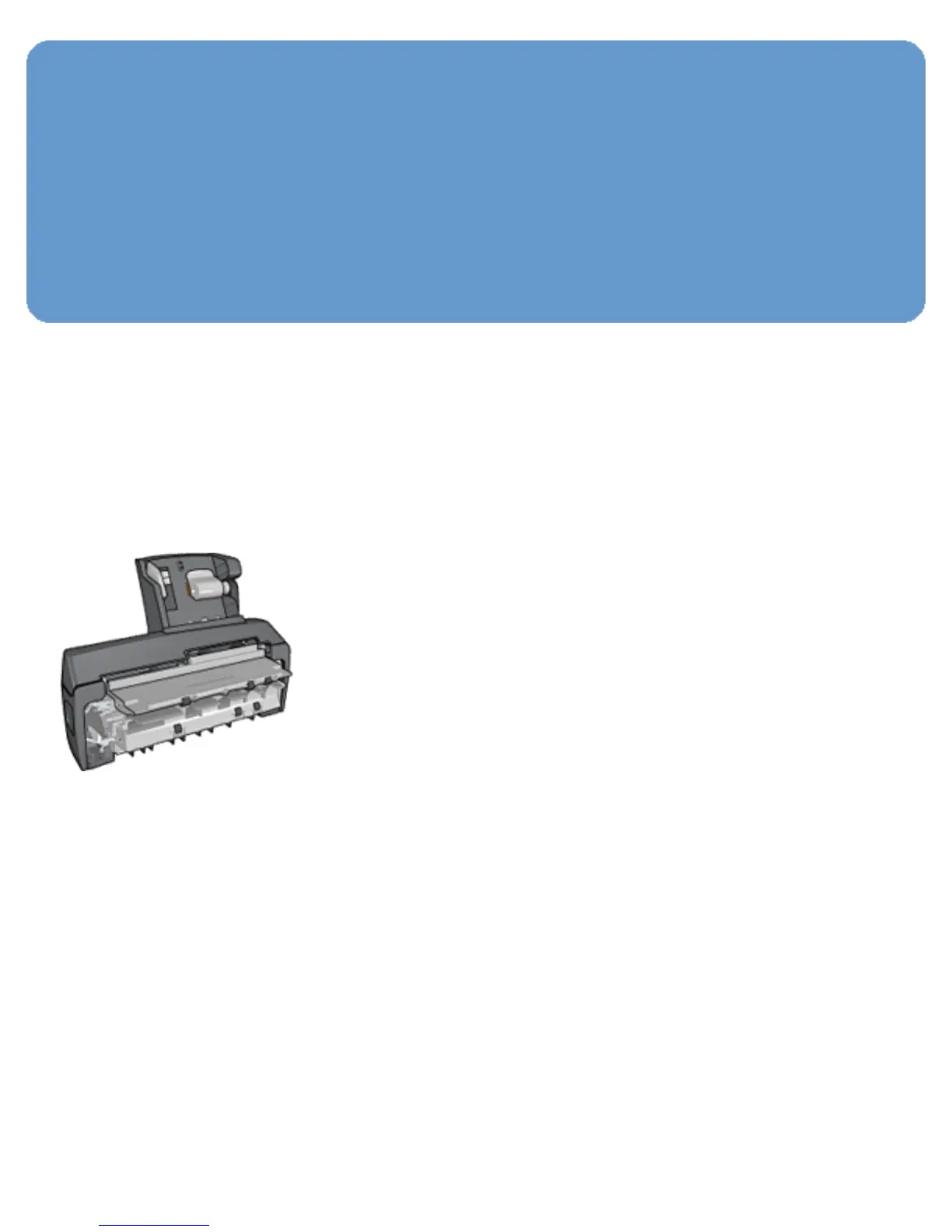
Using the Auto Two-Sided Print
Accessory with Small Paper Tray
when printing from a digital
camera
In order to use the Auto Two-Sided Print Accessory with
Small Paper Tray when printing directly from a digital
camera, you might need to configure the printer to feed
paper from the accessory rather than the In tray.
Configuring the printer to feed paper from the
accessory
Follow these steps to configure the printer to feed paper from
the accessory:
1. Press and hold down the Report Page button.
2. While holding down the Report Page button, press the
Cancel button twice.
3. Release the Report Page button.



 To Next Page