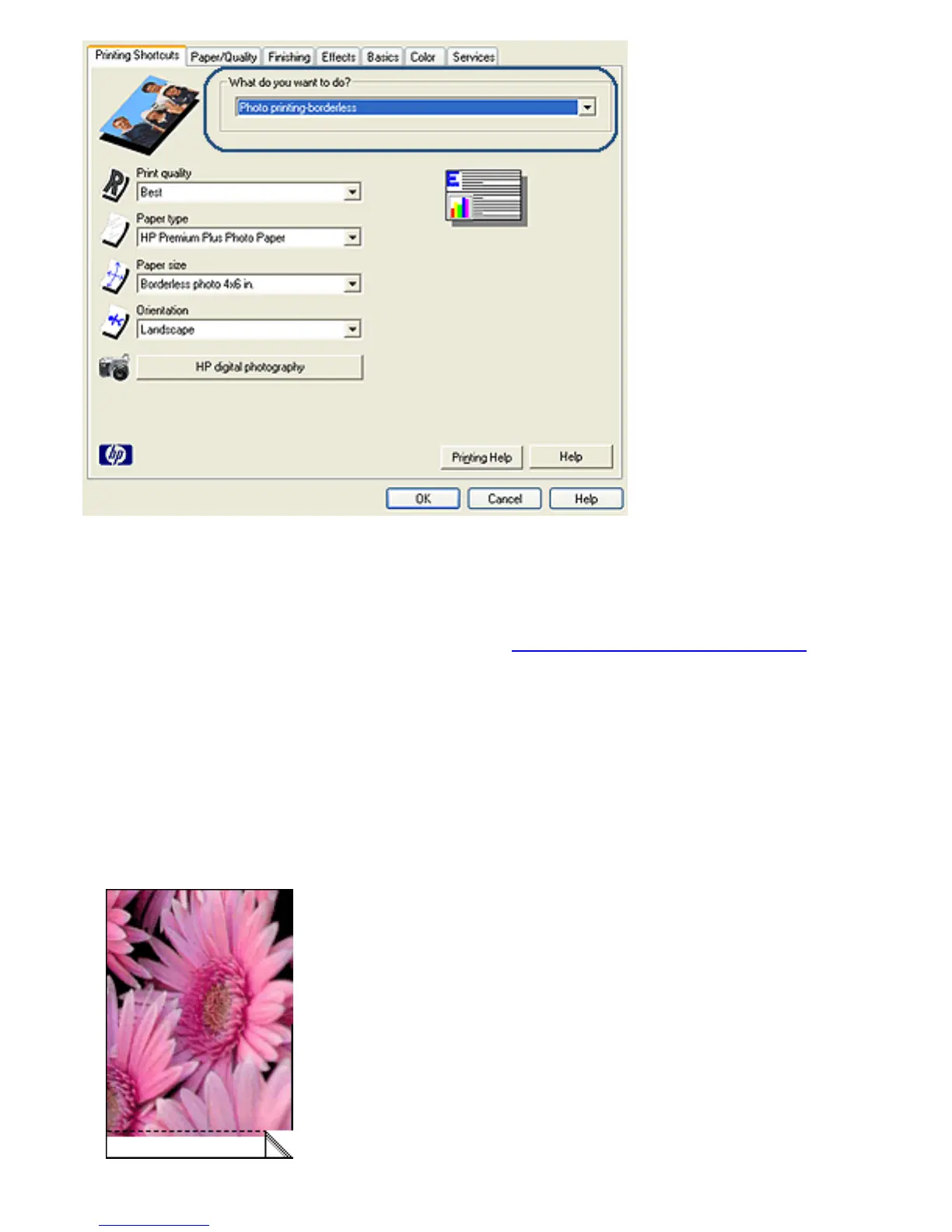
4. Select the appropriate print setting for the photo that you
want to print.
5. If you want to use them, set the HP digital photography
options.
6. Select any other print settings that you want, and then
click OK.
If you printed on photo paper that has a tear-off tab,
remove the tab to make the document completely
borderless.



 To Next Page