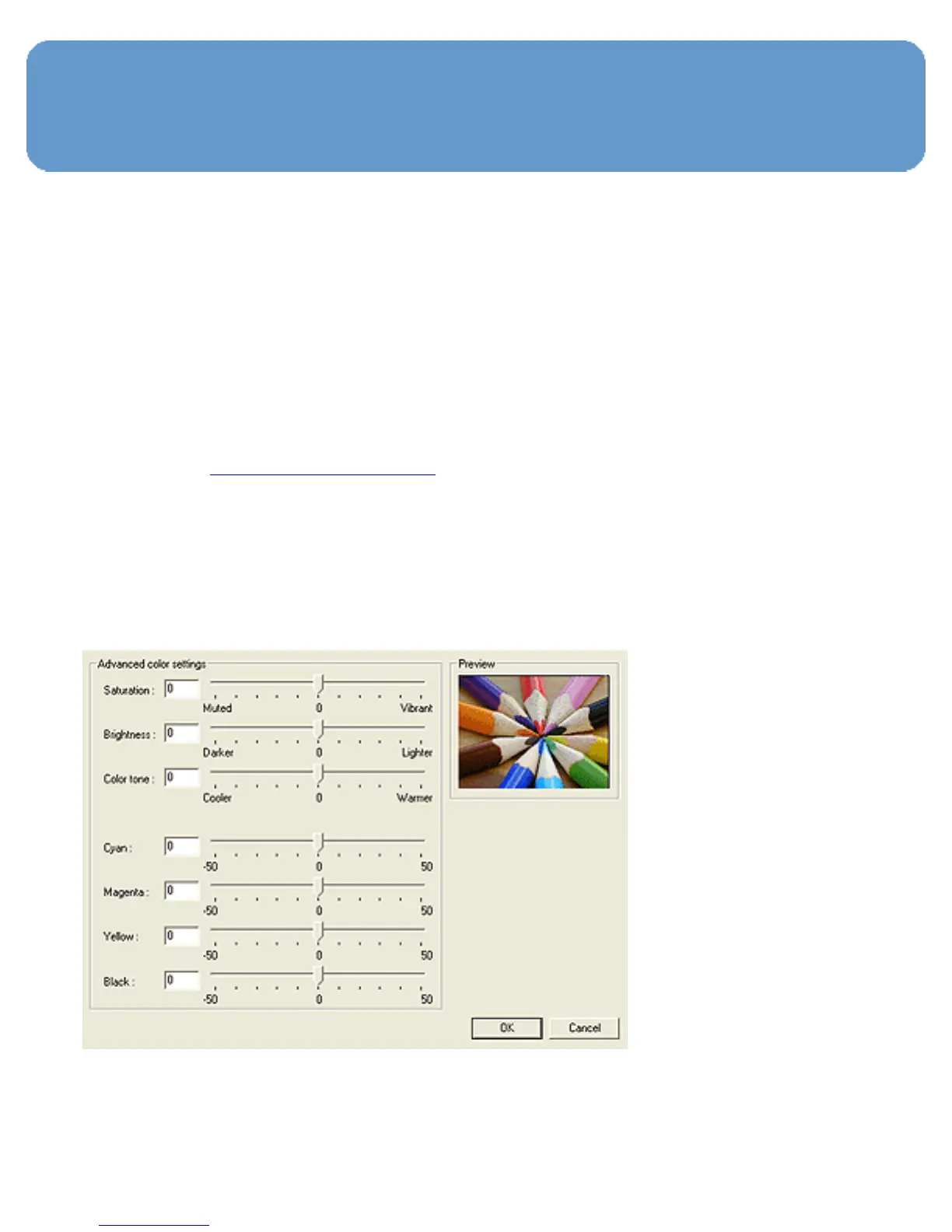
Using advanced color settings
Use the Advanced Color Settings dialog box to adjust how
printed colors appear on your printout.
Adjusting these settings causes the printed colors to differ
from the colors that appear on your computer monitor.
Follow these steps to specify advanced color settings:
1. Open the Printer Properties dialog box.
2. Click the Color tab.
3. Click the Advanced color settings button.
The Advanced color settings dialog box appears.



 To Next Page