Color management
Color management defines the range of colors that can be
printed. The printer software translates the colors of your
document from their current color settings to the color-
management option that is selected.
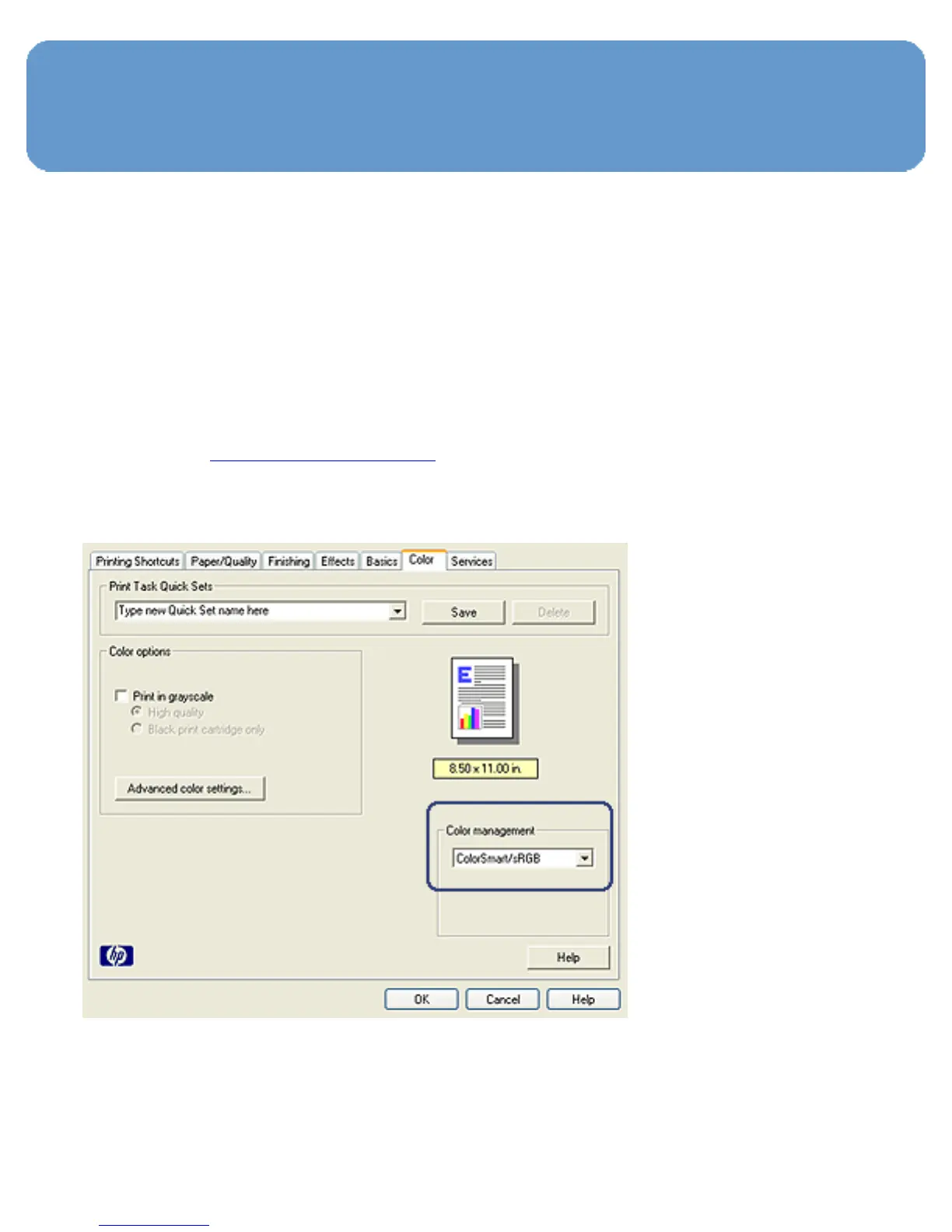
Follow these steps to select a color-management option:
1. Open the Printer Properties dialog box.
2. Click the Color tab.



 To Next Page