If the photo paper is not flat, see the photo paper storage
instructions.
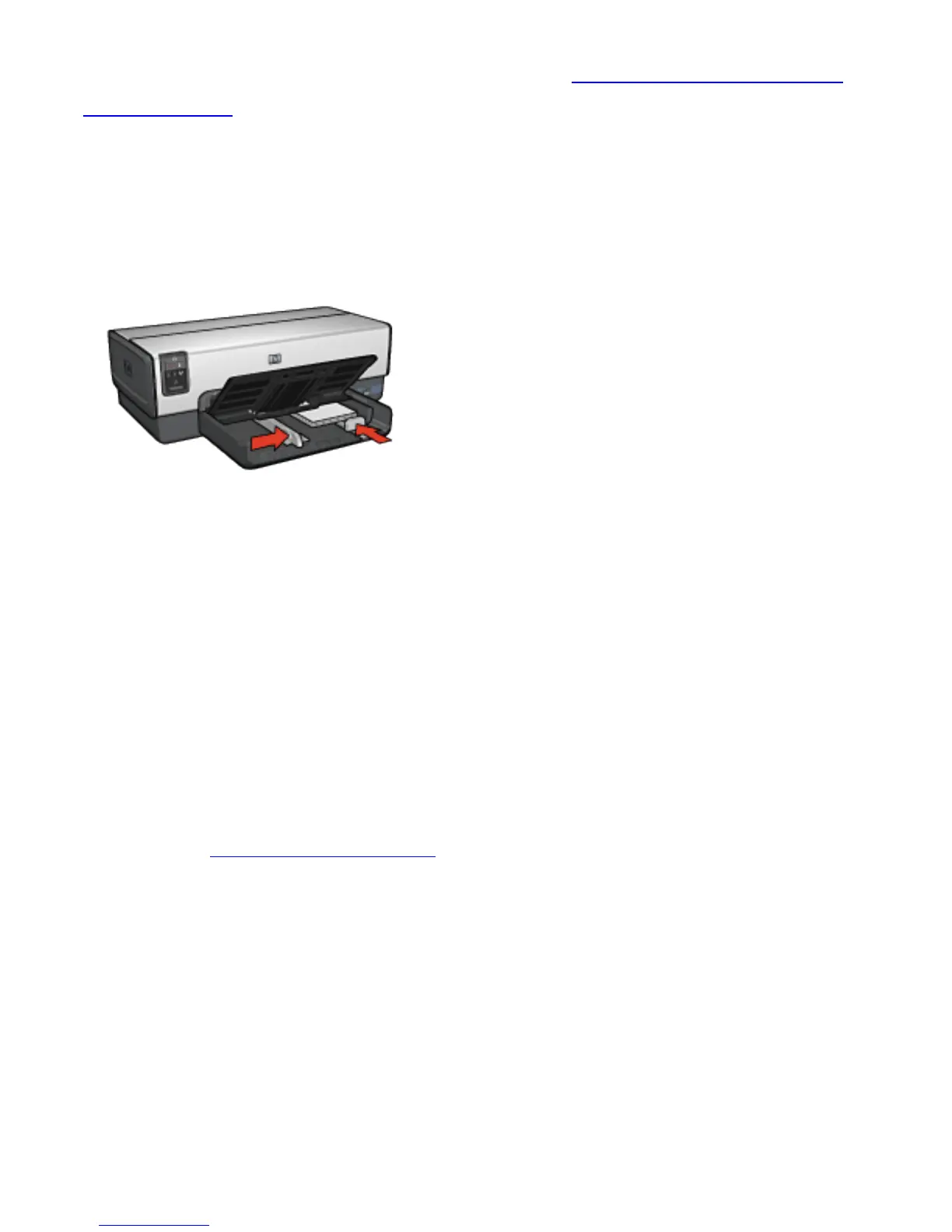
5. Place the photo paper in the In tray with the side to be
printed on facing down. If you are using a photo paper that
has a tear-off tab, verify that the tab is pointing away from
the printer.
6. Slide the paper guides firmly against the paper.
7. Replace the Out tray.
Printing
Note:
If your software program includes a photo printing
feature, follow the instructions that are provided
with the software program. Otherwise, follow these
instructions.
1. Open the Printer Properties dialog box.
2. On the Printing Shortcuts tab, select Photo printing-
borderless as the type of document, and then select the
following options:
❍ Print quality: Normal or Best
❍ Paper size: The appropriate borderless photo paper size
❍ Paper type: The appropriate photo paper type
❍ Orientation: Portrait or Landscape



 To Next Page