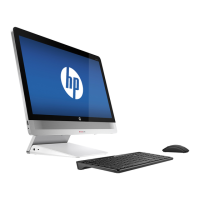
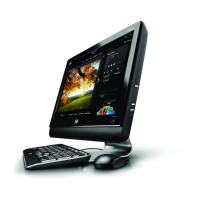
14, Separate Base pan and front bezel and panel
(1)Remove 14pcs screws with circles in red to separate base pan and front bezel.
(2), Remove 4pcs screws with circles in red to separate base pan and AUO/LG/CM0049 Panel
15, Remove Mouse/Keyboard Battery/MB
EL-MF877-00 Page 10
Template Revision B
PSG instructions for this template are available at EL-MF877-01



 To Next Page
 Loading...