1-2 Connecting CD-Writer
Connecting CD-Writer
CAUTION: The CD-Writer Plus drive contains sensitive, high-precision optical
equipment. Dropping or shaking the CD-Writer Plus drive may cause damage
to these sensitive components. Please be careful when handling your drive.
NOTE: Refer to the manual that came with your computer if you need more
information than what is provided here.
WARNING: DO NOT, under any circumstances, open the external CD-Writer
Plus drive’s case. If you suspect problems with your drive, service must be
performed by a certified HP technician. See ”Appendix B: Customer Support”.
1. Shutdown Windows and turn OFF your computer.
NOTE: The CD-Writer Plus drive can be used with laptops, desktops, and
towers that meet “Minimum System Requirements” on page A-1.
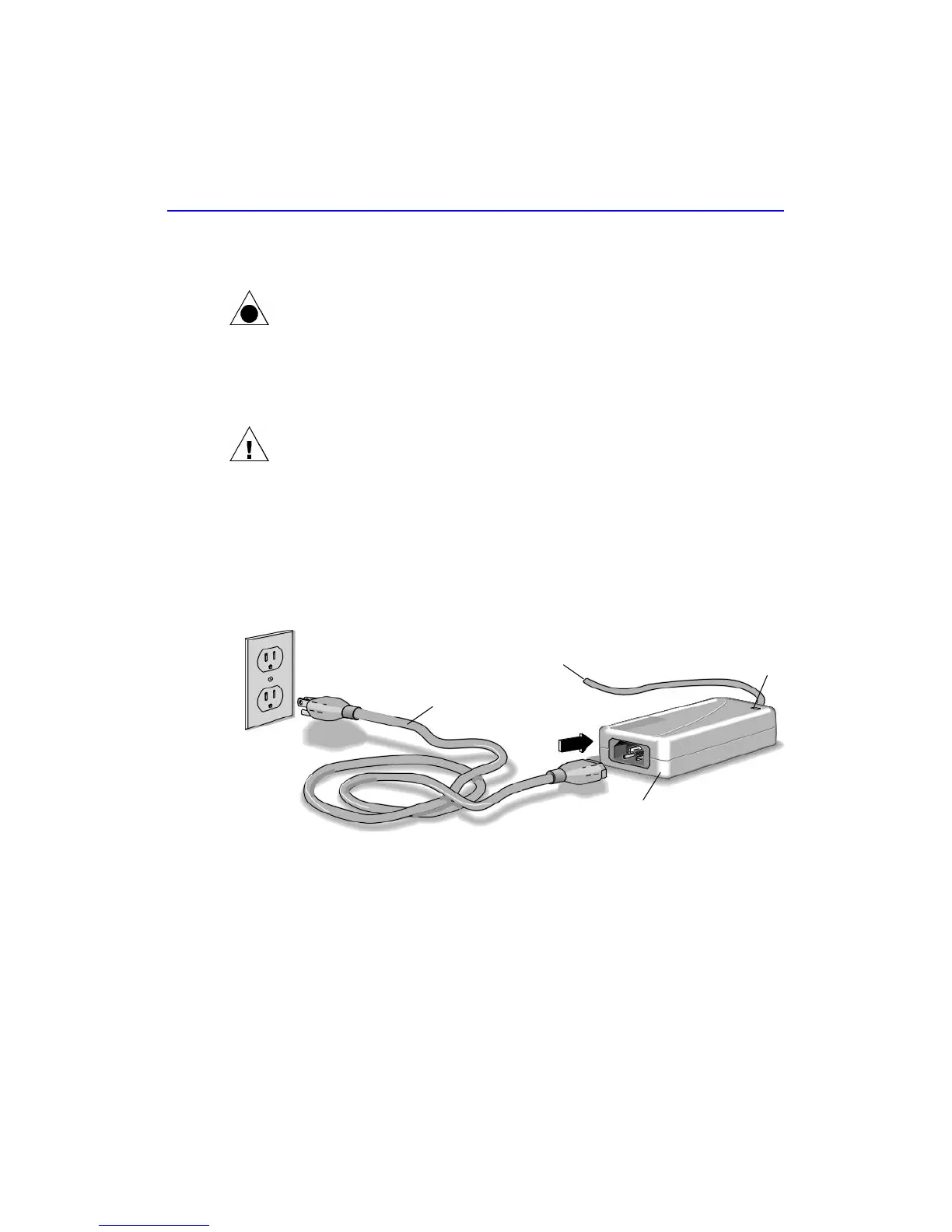
2. Connect one end of the power cord into the power supply and the other
end to a wall outlet or power strip. (The power plug and outlet may look
different in your country.)
Power supply
To CD-Writer Plus drive
Power cord
Green light



 To Next Page