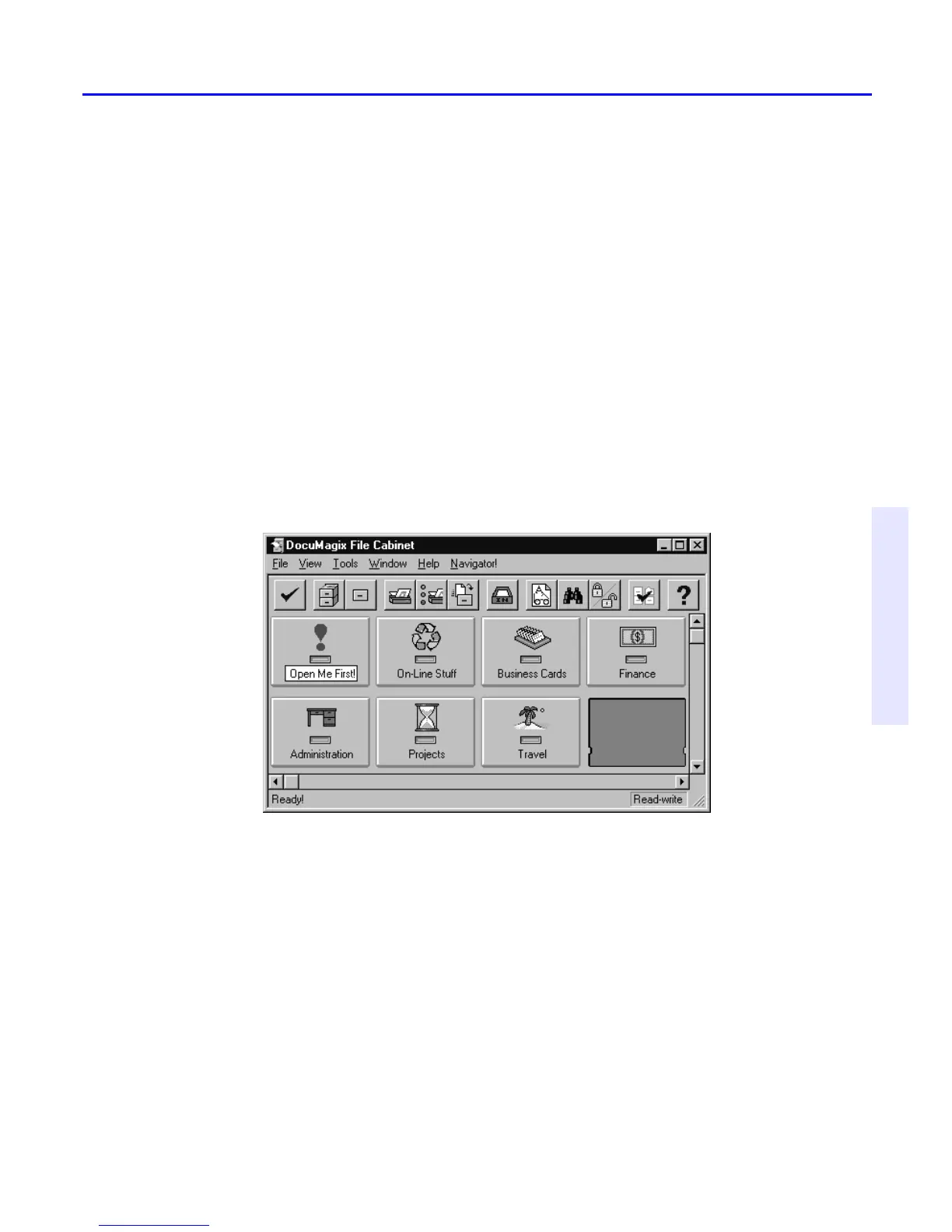
1. Using the right mouse key, drag the Open Me First! drawer from the old
cabinet into an empty slot in the “Backup Cabinet” cabinet. When the
Move/Copy menu pops up, select Copy.
As a default, dragging and dropping containers between two cabinets using the
left mouse button will perform a Copy command. Dragging and dropping
containers between the same cabinet using the left mouse button will perform a
Move command. The right mouse button will always give you the pop up menu
and allow you to make a selection.
Creating Customized Drawers and Folders
With PaperMaster Live, you have cabinets, drawers, and folders, just like
you do with a real file cabinet. It’s easy to customize them for your needs.



 To Next Page